Platform

Archvisio Features

Archvisio is an AI-powered architectural visualization platform built for architects and design practices. It turns elevation drawings, floor plans, and rough sketches into photorealistic renders, typically in 10–30 seconds — and provides editing, collaboration, and presentation tools to take those images to your client.

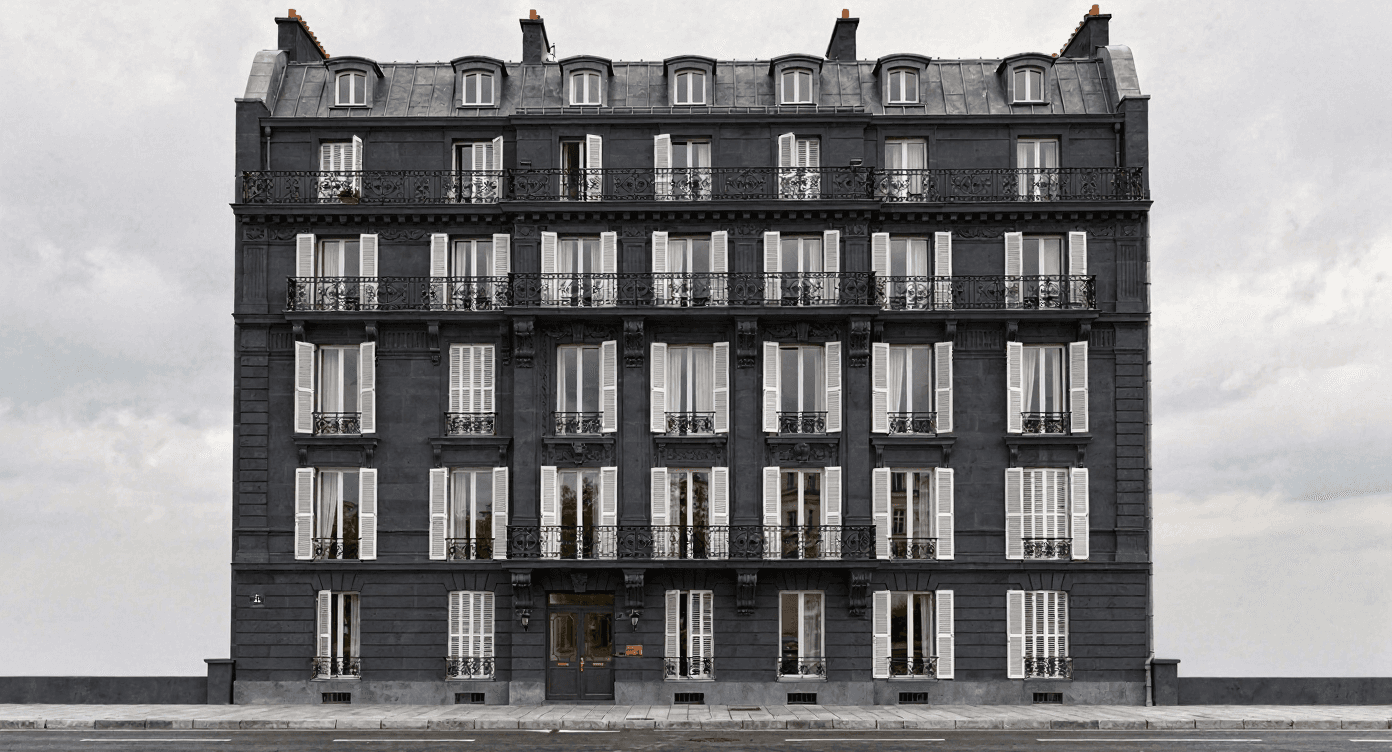
AI facade edit applying dark stone cladding to a Haussmann-style building, Archvisio

Facade Editor

Change Materials, Colors, and Cladding on Any Render in Seconds
  • Change Materials Without Restarting
  • Edit Just One Area
  • Explore Color Palettes Fast
Learn more about Facade Editor
Photorealistic render of a Haussmann apartment facade for a client presentation, Archvisio

Presentations

Collect Renders Into a Presentation and Share It With a Link
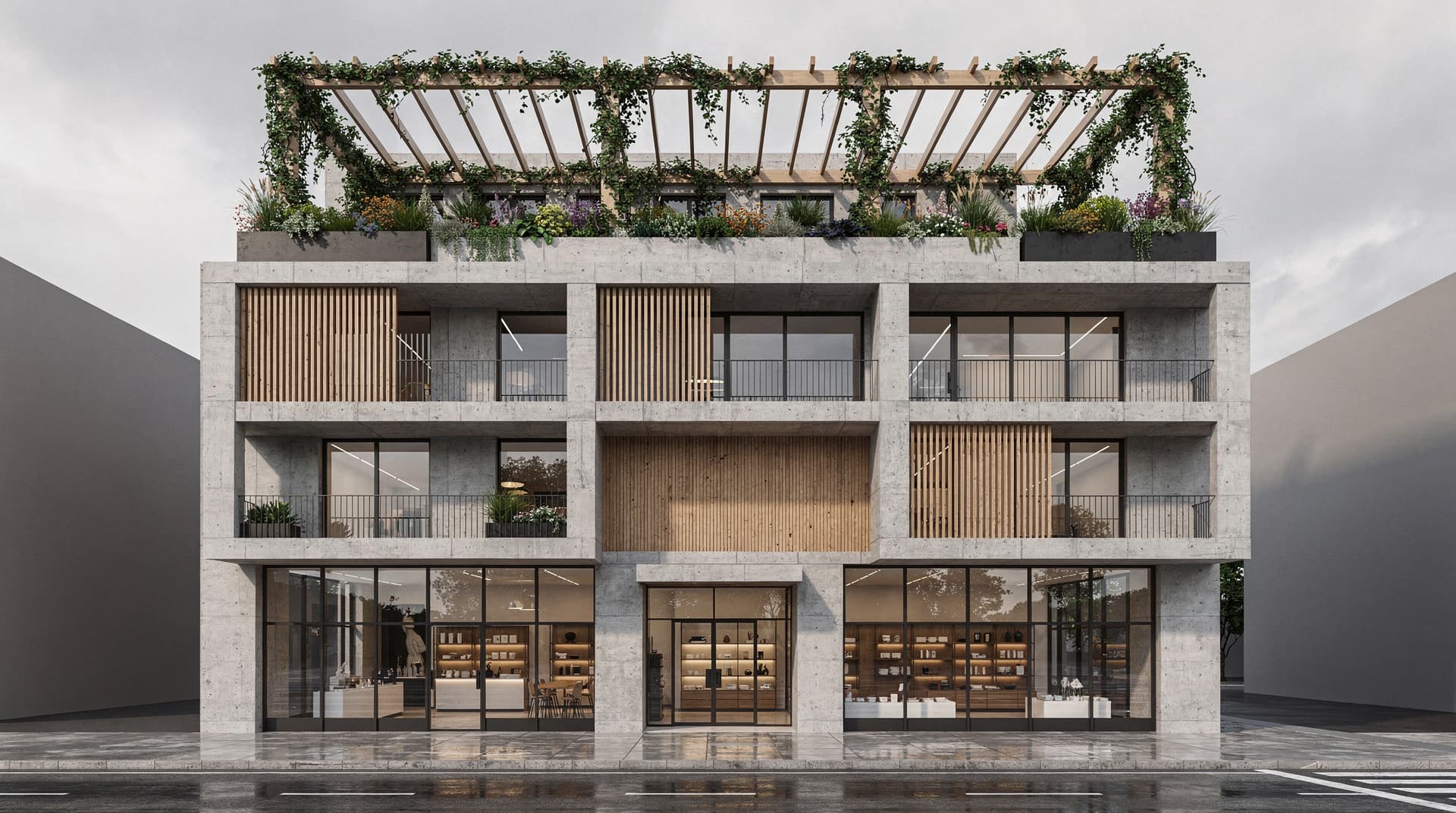
  • Hand-Picked and in Your Order
  • Before/After in the Viewer
  • Share by Link, Download as PDF or ZIP
Learn more about Presentations
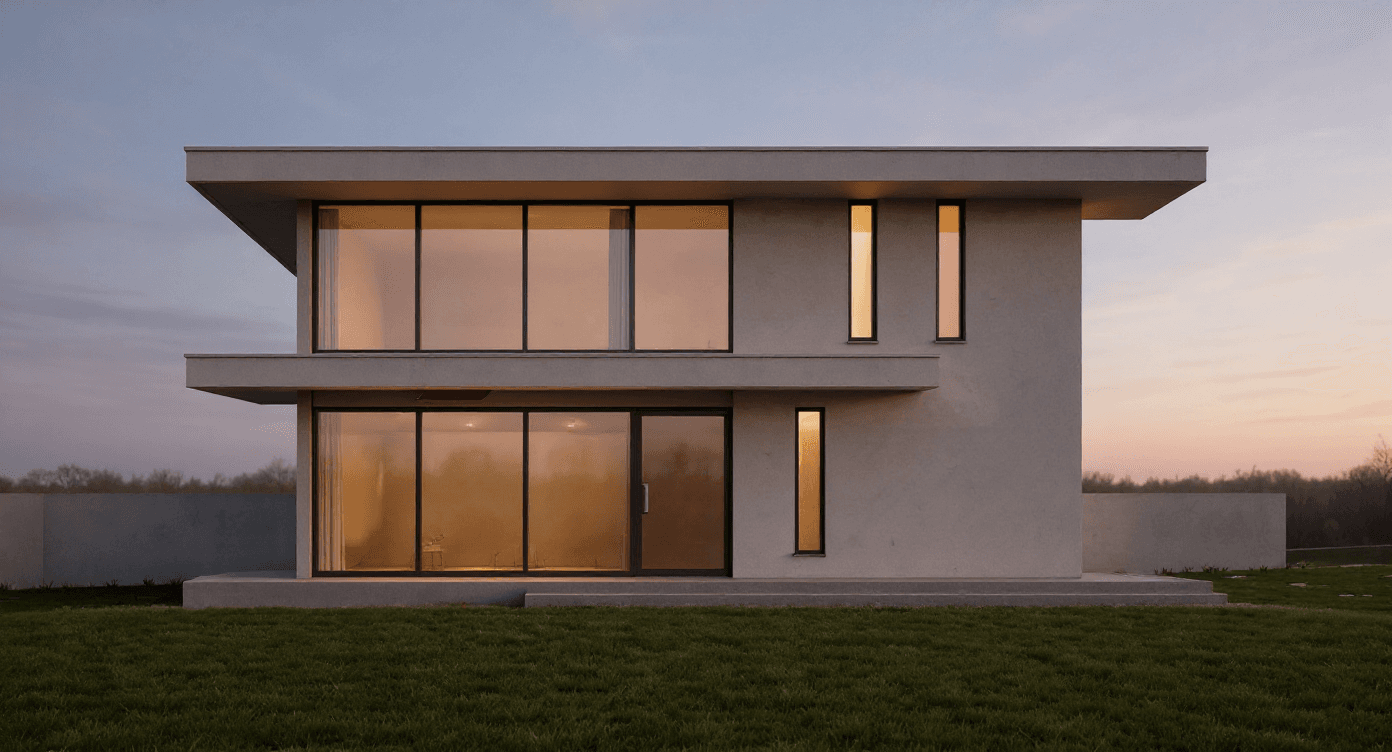
AI render of a rural farmhouse elevation used in a versioned project session, Archvisio

Project Sessions

Every Render and Prompt Version, Saved to Your Project
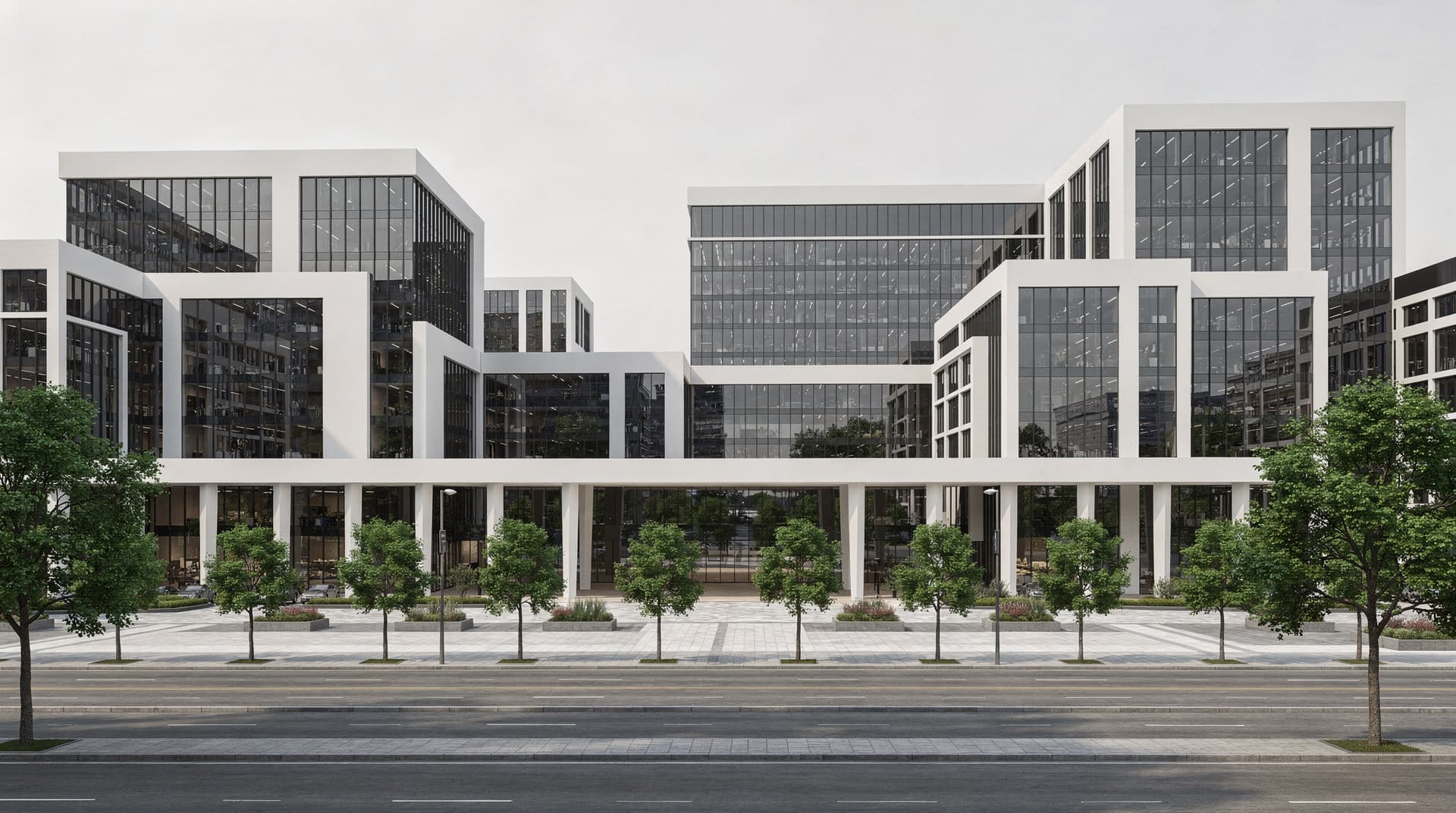
  • Never Lose a Render
  • Prompt Versions Per Session
  • Folders, Stars and Favorites
Learn more about Project Sessions
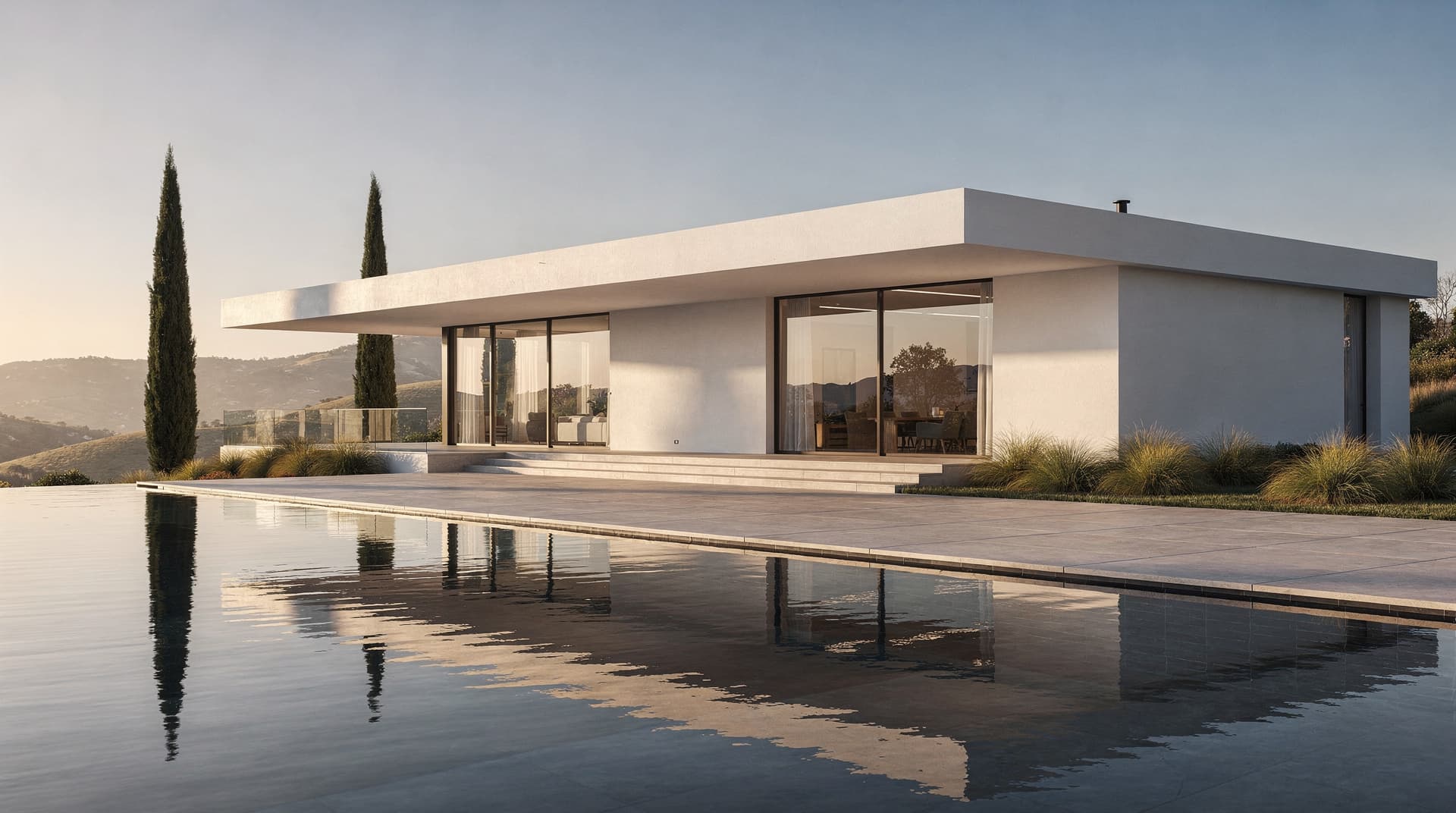
AI-generated concept villa render produced in a shared team workspace, Archvisio

Team Workspaces

Manage Projects, Seats, and Render Credits Across Your Whole Practice
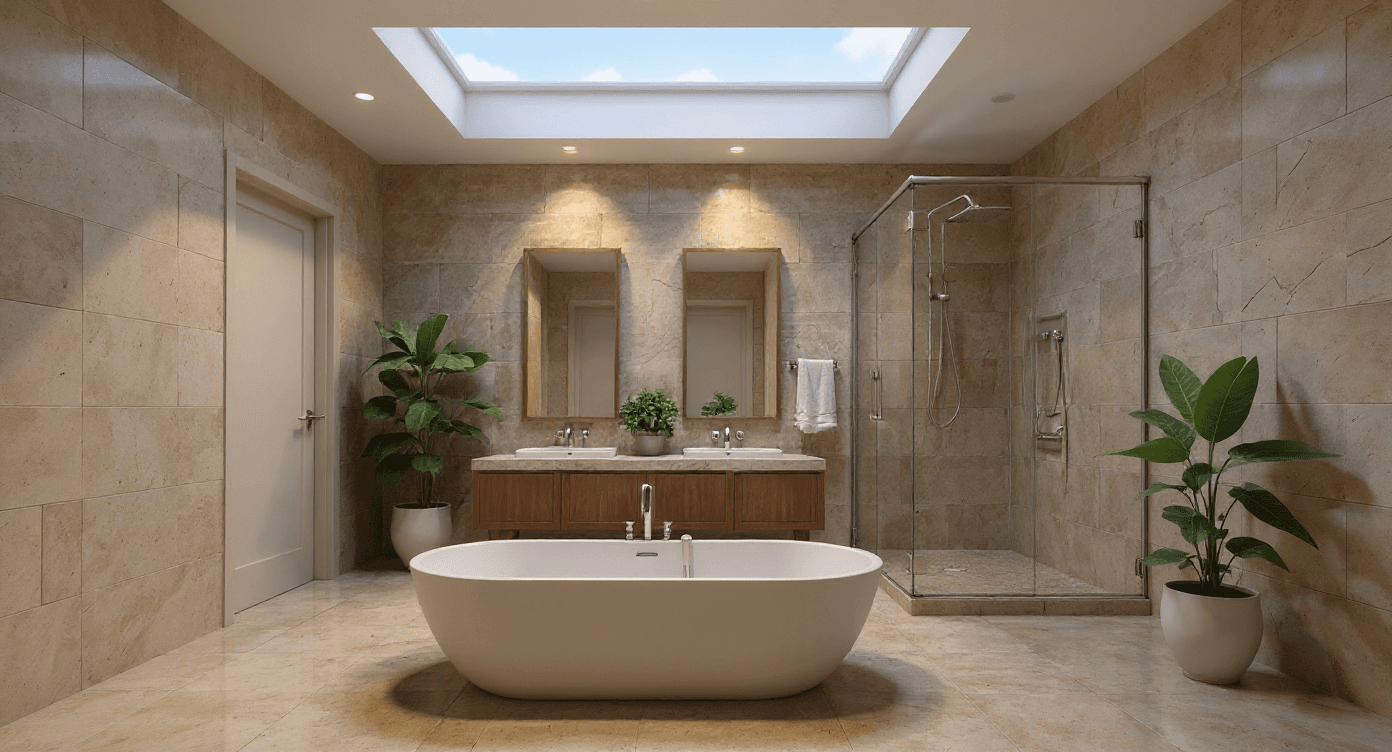
  • Centralized Project Library
  • Role-Based Access Control
  • Shared Credit Pool
Learn more about Team Workspaces
Interior Rendering, Archvisio

Interior Rendering

From Floor Plan to Photorealistic Interior in Seconds

  • Your Plan Guides the Layout
  • Material and Finish Exploration
  • Residential and Commercial
Learn more about Interior Rendering

FAQ

Common questions

What AI models does Archvisio use for rendering?
Archvisio offers several image models and you can pick one per render or leave it on Auto, which chooses from what you provide: Nano 2 (the best all-rounder, native 4K), Nano 2 Lite (fast, low-cost drafts), GPT Image 2.5 (rich materials and staging), Seedream 5 Pro (cinematic light), Flux 2 Pro and FLUX 3 (photorealistic and close to your drawing), and Z-Image Sketch (geometry-locked renders from a sketch). A 1K render costs between 40 and 220 credits depending on the model.
How many reference images can I upload?
It depends on the model. With Multi-Reference Rendering you can combine your drawing or drawings, a site photo, one style reference (with a "how closely to follow" slider and notes) and materials (name, tag, intensity). In total that is up to 14 images on the default model, Nano 2. The model aims to reflect each of them in the render.
Does Archvisio support team collaboration?
Yes. Team Workspaces let you invite team members as admins or members, share a project library, and manage render credits centrally. Seats come with your plan — 1 on Starter, up to 3 on Pro and up to 5 on Studio, with extra seats available on Pro and Studio. Admins control access, permissions and monthly credit limits from the workspace admin panel.
What export formats does Archvisio support?
Renders download as JPEG. Presentations export as PDF, a ZIP of all images, or a share link.