
Feature
Team Workspaces
Team Workspaces give architecture practices a single shared environment where every project, render, and team member lives together. Invite colleagues with role-based access, share render credits across the practice, and manage billing and storage in one admin panel. Seats come with your plan — 1 on Starter, up to 3 on Pro and up to 5 on Studio — and Pro and Studio workspaces can add extra seats.
Benefits
What can you do with Team Workspaces?
Centralized Project Library
Every project created by any team member appears in the shared workspace library. No more hunting through individual accounts to find a colleague's render.
Role-Based Access Control
Invite team members as Admin or Member (the person who creates the workspace is its Owner). Per-member permissions control which models they can use, who can export or share work, and who can invite others.
Shared Credit Pool
Render credits are shared across the whole workspace instead of being tied to a seat — the practice buys credits once and the whole team draws from the same pool. Admins can set a monthly credit limit for each member.
Add Seats and Storage as You Grow
Add extra seats (Pro and Studio) and extra storage on the workspace page. Credit packs are bought on the Account page.
How it works
How does Team Workspaces work?
- 1
Create or Join a Workspace
Set up a workspace for your practice with your studio name. Existing users can be invited by email to join an existing workspace.
- 2
Invite Team Members
Send email invitations to colleagues. Each invitation includes a role — Admin or Member — and the permissions that control what they can access. Your plan sets how many seats you have; extra seats can be added on Pro and Studio.
- 3
Organize Projects Into Folders
Create folders by client, project type or year and move projects between them to keep the workspace tidy.
- 4
Monitor Usage and Credits
The workspace page shows credit usage, storage and team members. Add seats and storage there; buy credit packs on the Account page.
Use cases
Who uses Team Workspaces?
Architecture Practices
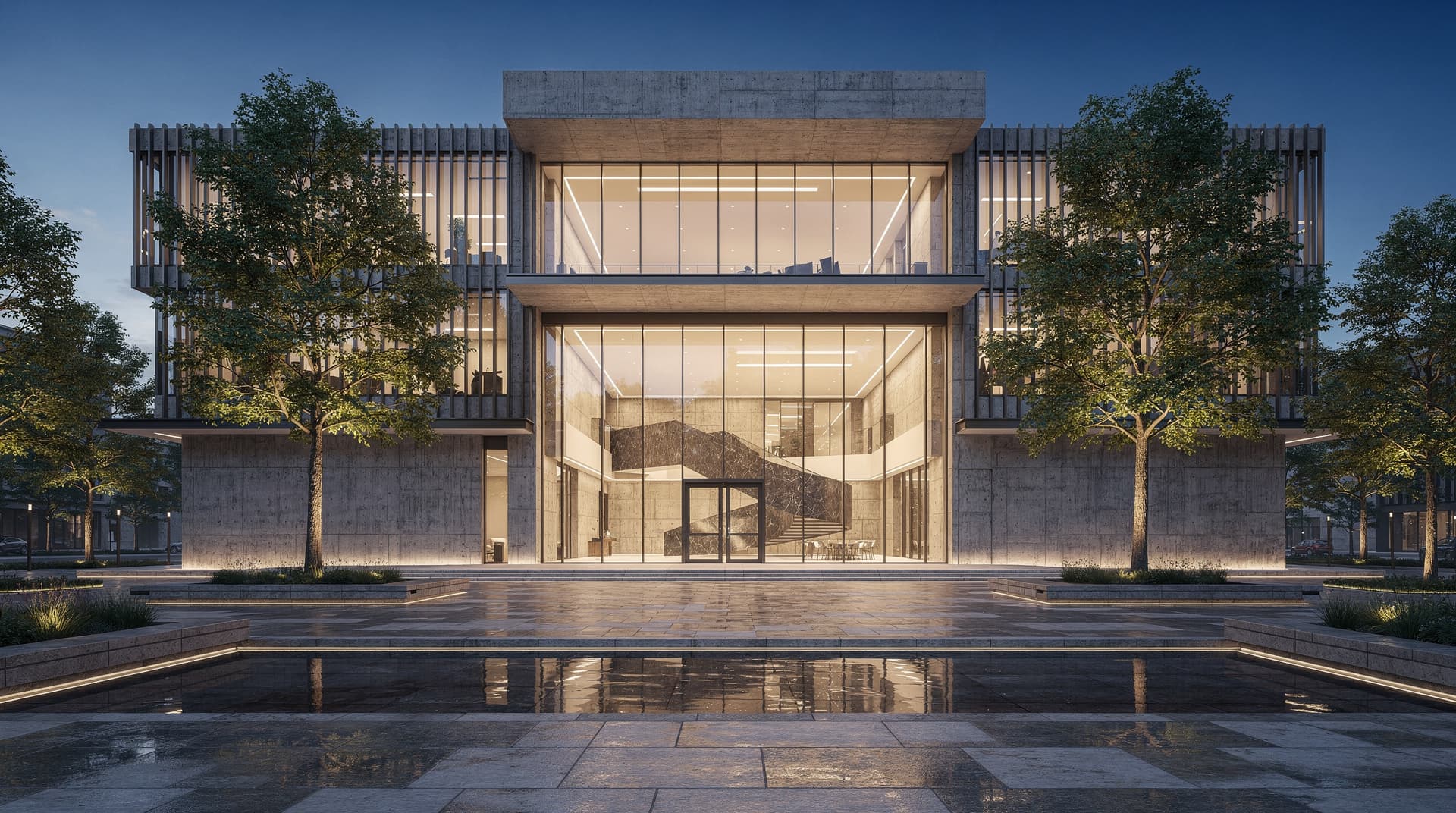
Give every architect in the practice access to the same project library and render credits without managing individual subscriptions for each person.

Developer Teams
Property developers can manage visualization across multiple live projects with different architects contributing to the same shared workspace.
Freelancers with Multiple Clients
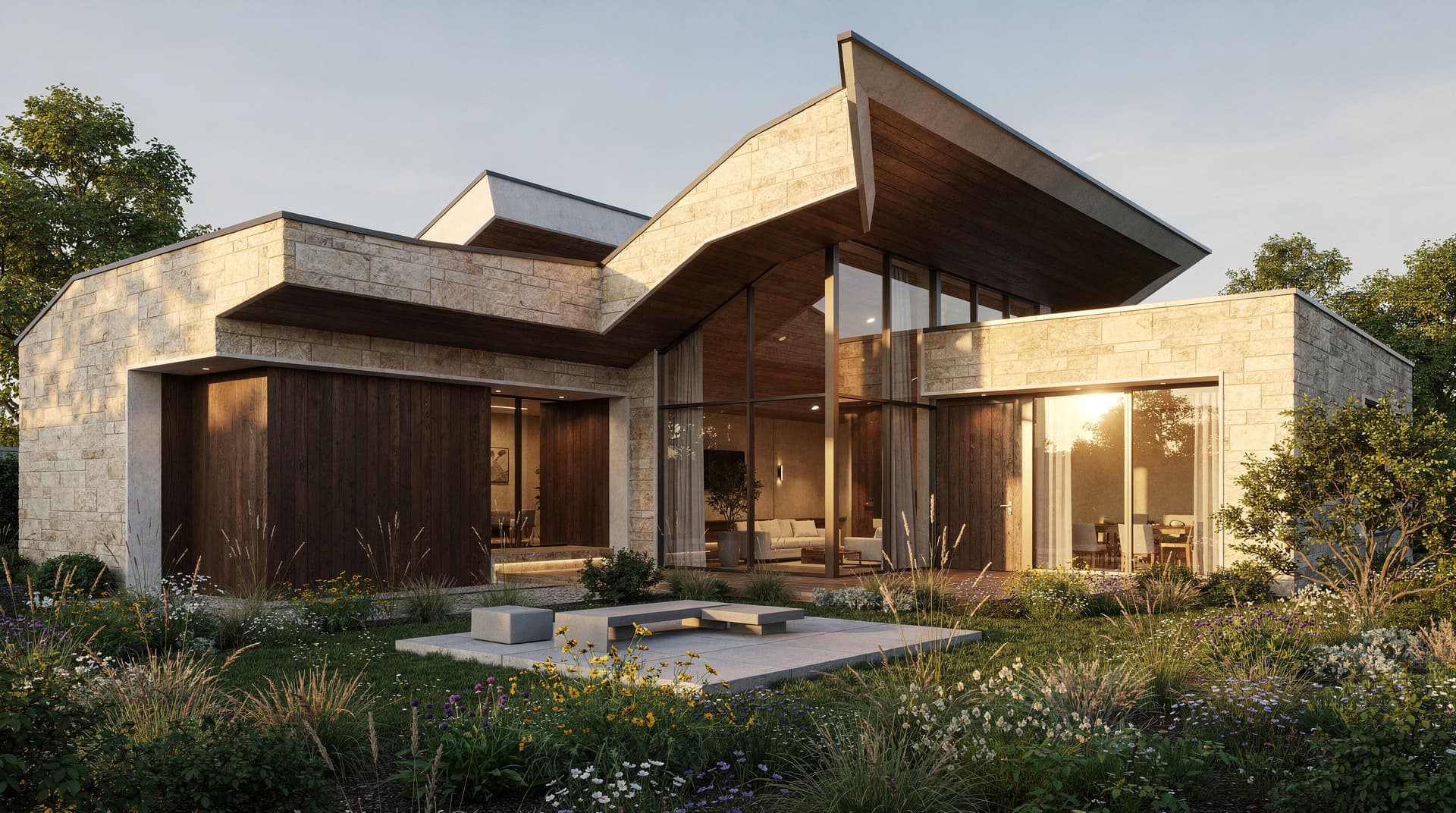
Solo practitioners use workspaces to keep each client's projects apart in folders while holding one credit pool and one subscription across all their work.