
Feature
Project Sessions
Sessions (Pro view, Text tab) keep each text prompt, the AI-refined versions of it and the renders it produced together. Every render is saved to its project automatically, so you can return to a project and pick up where you left off. Filter by star rating or favorites to find the version you need.
Benefits
What can you do with Project Sessions?
Never Lose a Render
Every render is saved to its project automatically. No manual saving, and every variation is there when you come back.
Prompt Versions Per Session
Each session keeps your text prompt and the AI-refined versions of it, next to the renders. Go back to an earlier prompt direction or build on a past version without starting over.
Folders, Stars and Favorites
Group projects in folders — one per client, for example. Rate renders with stars and mark favorites so the best ones are easy to find again.
How it works
How does Project Sessions work?
- 1
Create a Project
Name a new project and optionally put it in a folder. Archvisio sets up a render gallery for it.
- 2
Upload Drawings and Generate Renders
Work as usual — upload drawings, write prompts, generate renders. Each render is saved to the project automatically.
- 3
Review and Filter
Filter renders by star rating or favorites to find the version you need within a project.
- 4
Download or Present
Download individual renders as JPEG, or add the best ones to a presentation and share it with your client as a link.
Use cases
Who uses Project Sessions?
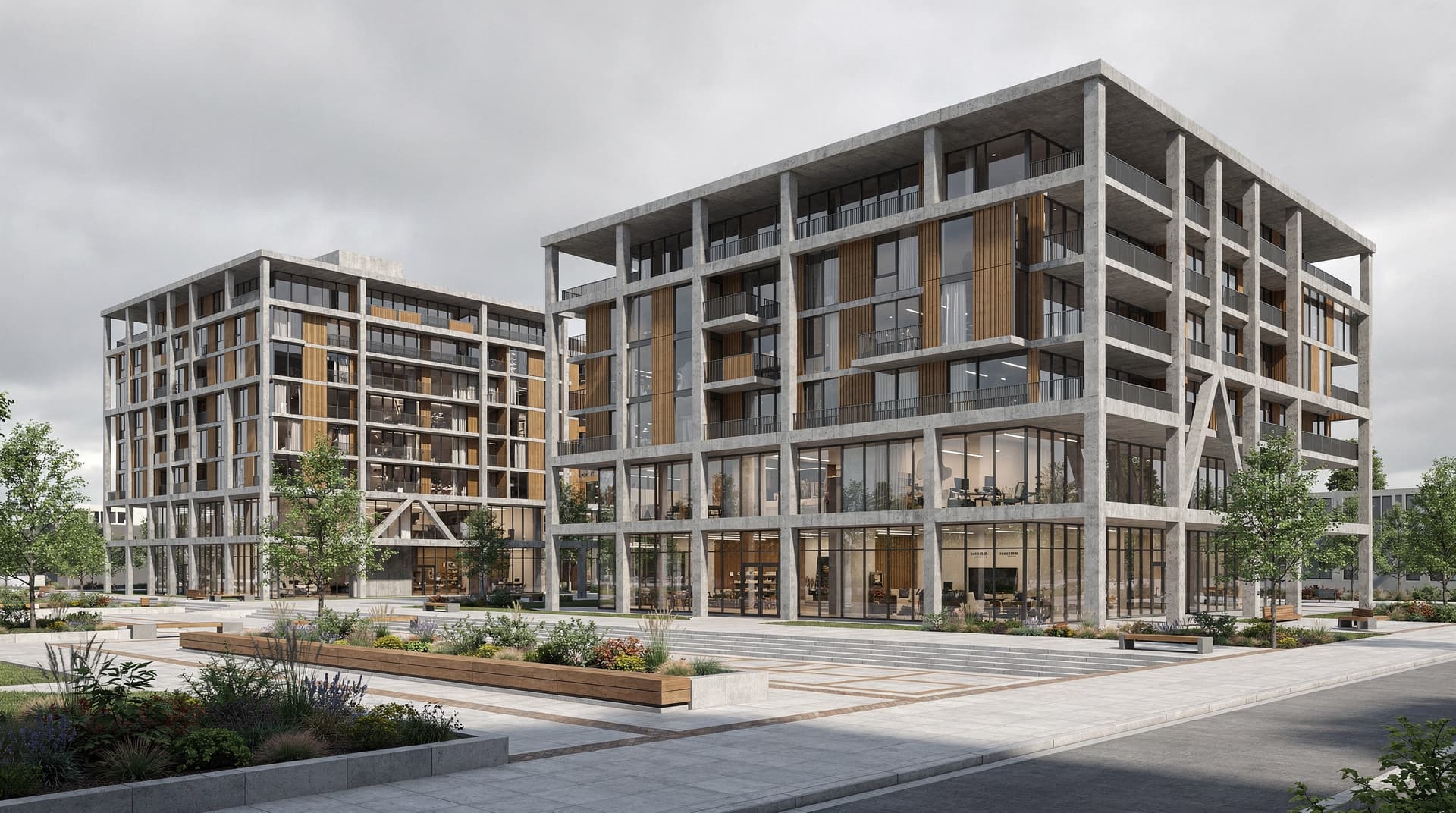
Multi-Stage Projects
Keep the evolution of a design, from concept renders to client sign-off, in one project with every render saved automatically.
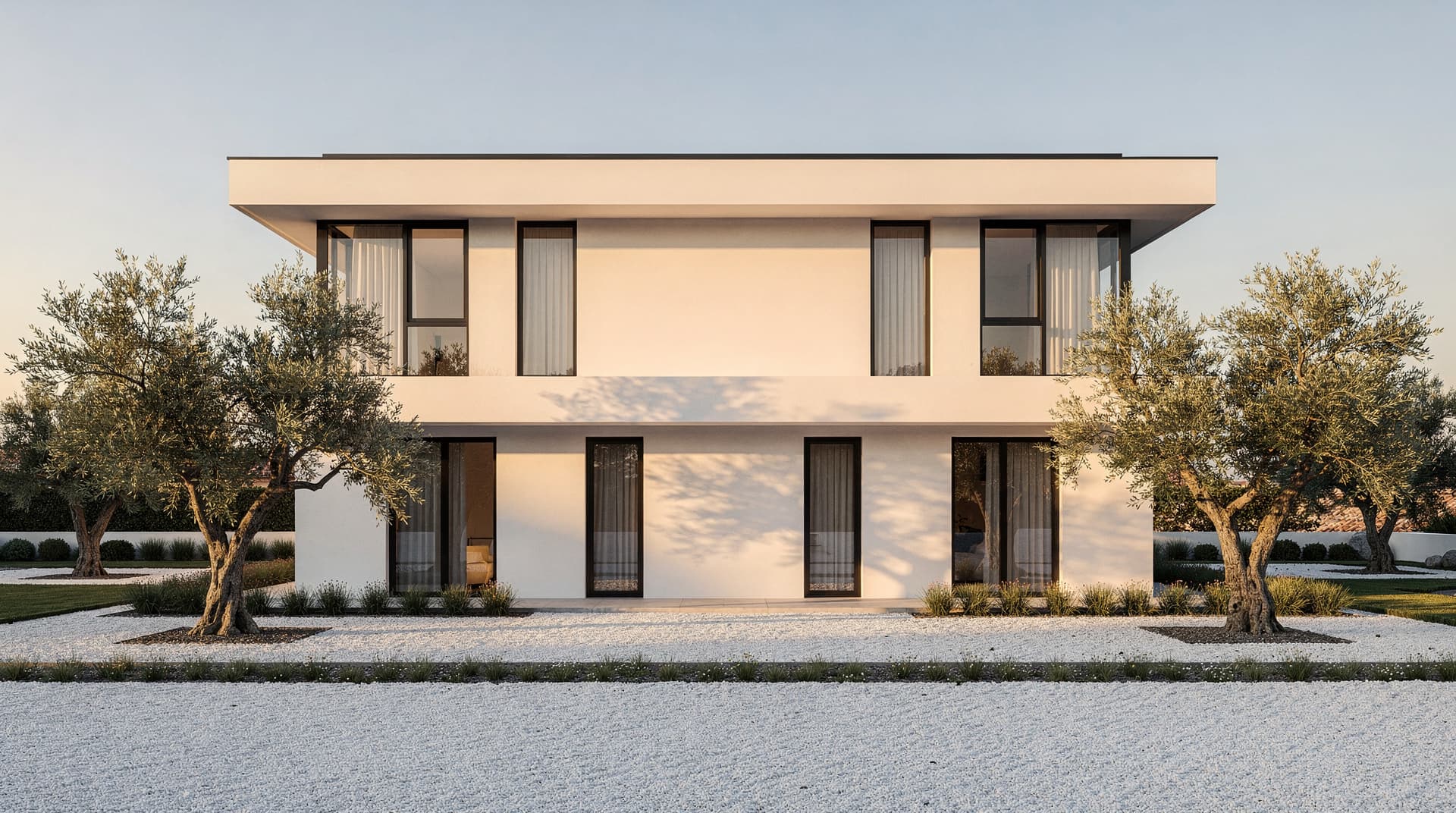
Design Iteration Records
Keep the renders and prompt versions of every direction you explored. Useful for client change requests — go back to an earlier direction when a client asks for it.
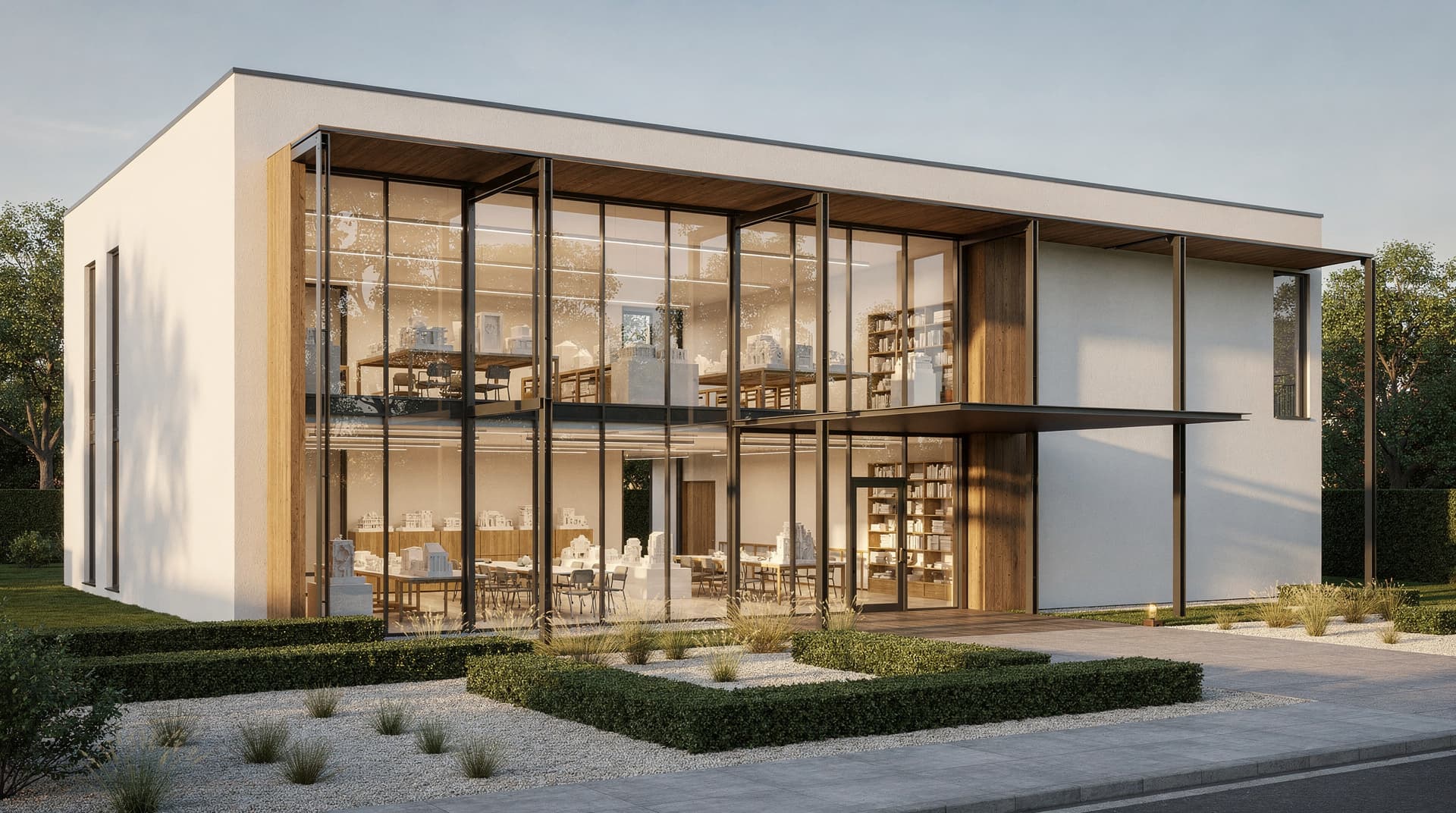
Team Handover
When a project changes hands, a colleague in the same workspace opens it and finds every render and prompt version already there.