
Feature
Presentations
Presentations let you collect renders and videos from your project, put them in order and share them with one link, optionally protected by a password and an expiry date. Clients view the images in the browser, compare before and after, and download single images, a ZIP of all images or a PDF (A4 landscape, one image per page). No layout software needed.

Benefits
What can you do with Presentations?
Hand-Picked and in Your Order
Add the renders and videos you want with "Add to presentation" and reorder them. Nothing is included automatically, so the presentation shows exactly what you chose.
Before/After in the Viewer
Clients can compare before and after in the web viewer, so the change you made is easy to see.
Share by Link, Download as PDF or ZIP
Send one link, with an optional password and expiry date. Clients can download single images, a ZIP of all images, or a PDF (A4 landscape, one image per page).
How it works
How does Presentations work?
- 1
Create a Presentation
Create a new presentation for a project or client. Nothing is added automatically — you decide what goes in.
- 2
Add Renders and Videos
Use "Add to presentation" on any render or video you want to include.
- 3
Put Them in Order
Reorder the items until the sequence works for your client.
- 4
Share or Download
Share a link, optionally with a password and expiry date. Clients can view the images in the browser, or download single images, a ZIP of all images or a PDF (A4 landscape, one image per page).
Use cases
Who uses Presentations?
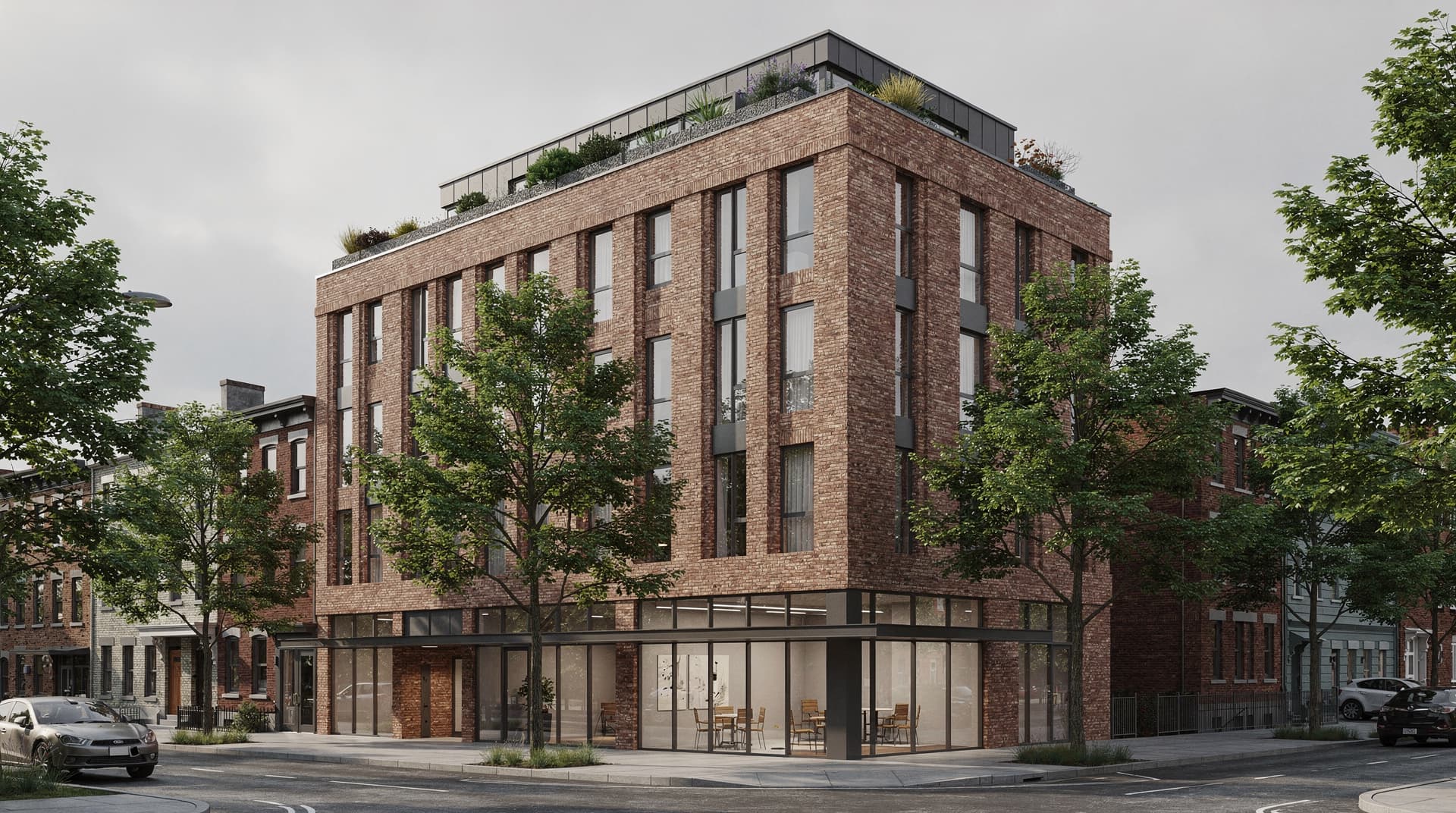
Planning Authority Reviews
Share proposed renders and before/after comparisons as a link or PDF that planning officers can review directly.
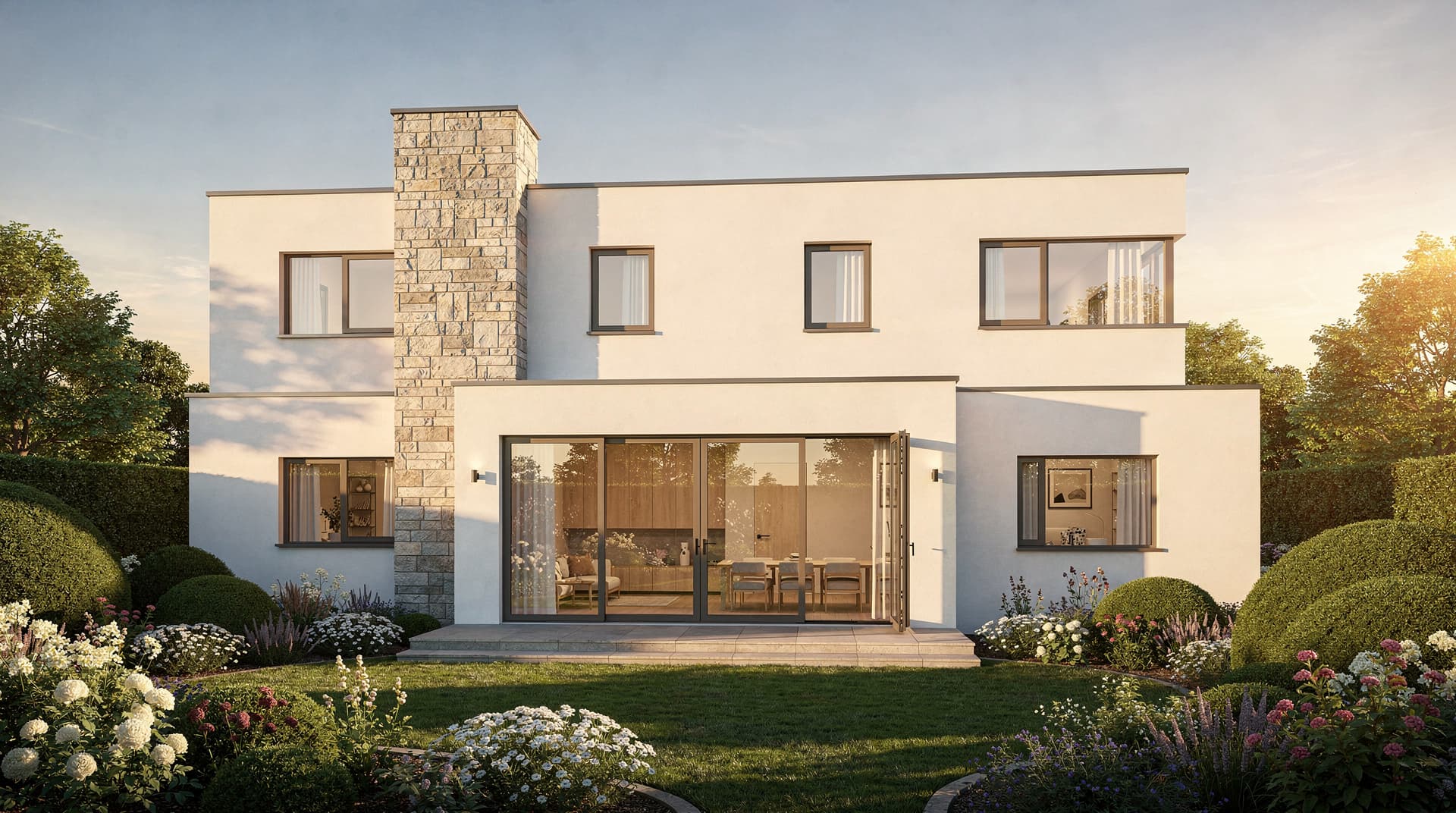
Client Design Sign-Off
Present design options at concept review meetings: share a link with your render variations in the order you chose, protected by a password if you like.

Developer Previews
Share early-stage renders of a residential development as a link or PDF, before detailed drawings are complete.