
Feature
Interior Rendering
Interior Rendering lets architects and interior designers turn floor plans, interior elevations and sketches into photorealistic interior images, typically in 10–30 seconds. Upload your plan, choose the Interior option and describe the finishes and atmosphere — the plan guides layout and proportions, and Archvisio renders materials and lighting to match your description.
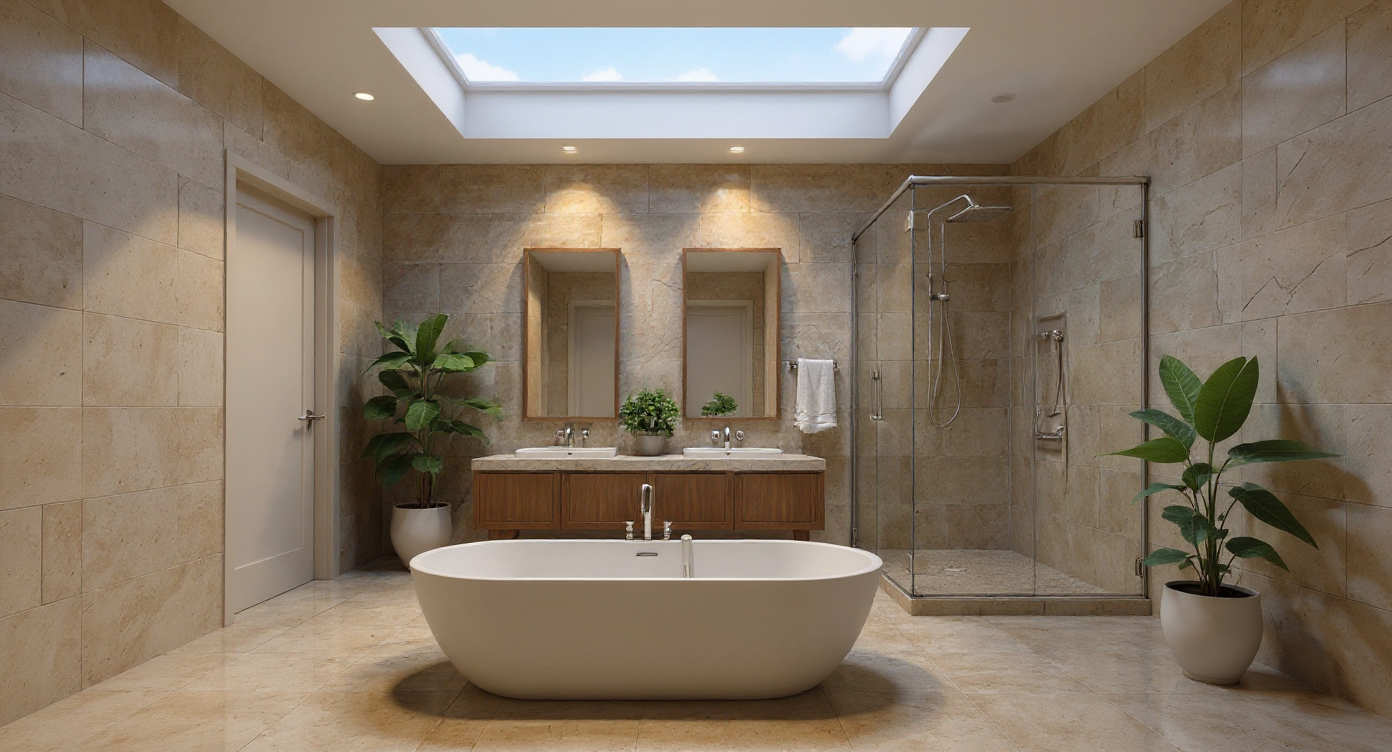
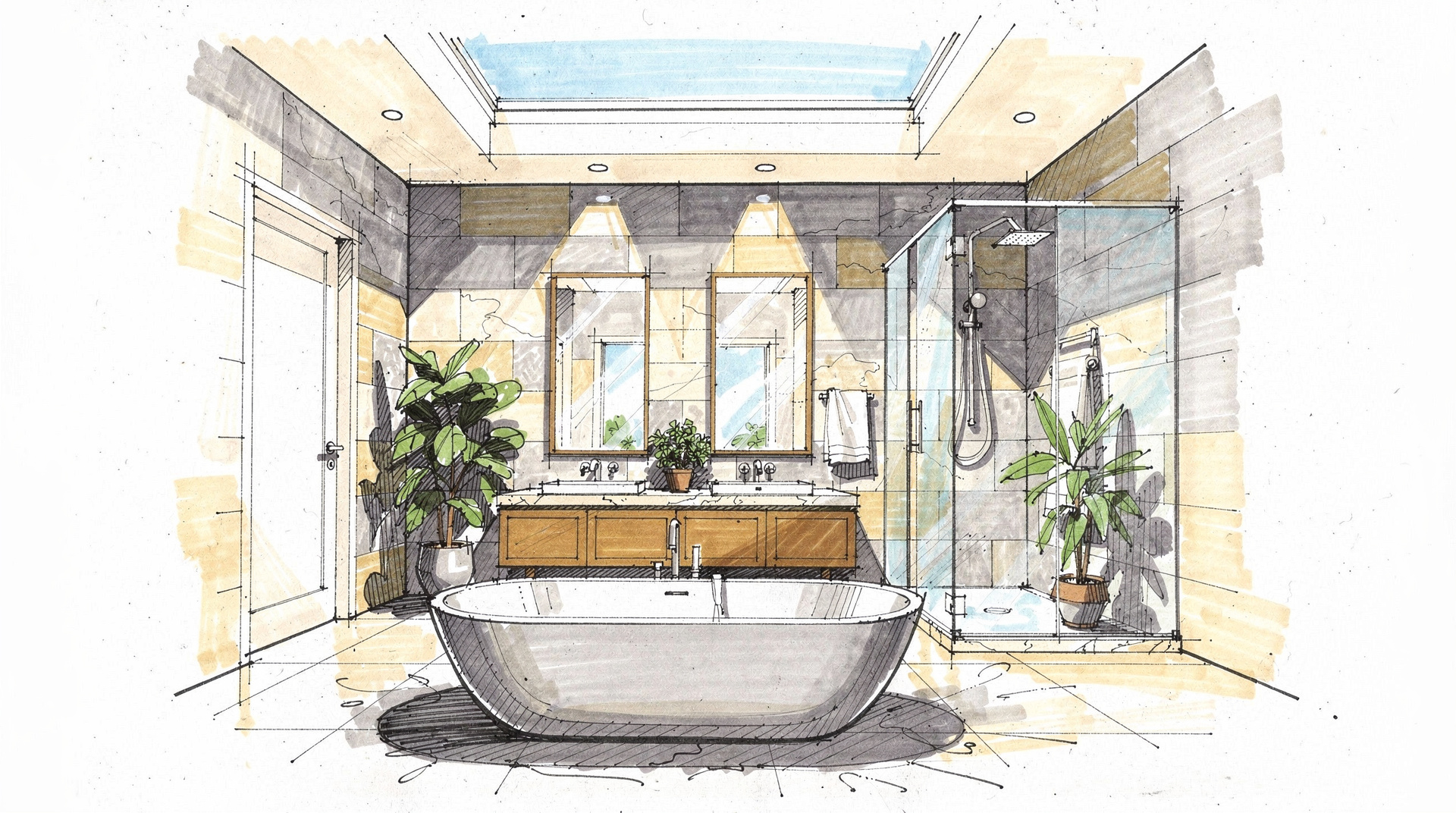 SketchAI Render
Benefits
What can you do with Interior Rendering?
Your Plan Guides the Layout
Your floor plan guides the layout and proportions of the render, so you get your space rather than a generic interior. It does not reproduce exact dimensions, so treat the result as a visual study.
Material and Finish Exploration
Try stone worktops, timber flooring, plaster finishes and lighting moods by changing the description and pressing Generate again. Test several material options in the time a traditional visualizer needs to set up one.
Residential and Commercial
Works across all interior typologies — private residences, boutique hotels, retail spaces, offices, and hospitality. One platform for every project type.
From Brief to Sign-Off
Use concept renders at brief stage, material studies at design development and presentation images at sign-off, all in the same platform.
How it works
How does Interior Rendering work?
- 1
Upload Your Floor Plan or Drawing
Upload a photo, scan or PDF of your floor plan, interior elevation or hand sketch: JPG, PNG, WebP, TIFF or PDF, up to 50 MB (for a PDF you pick the pages in Pro view). Your drawing guides layout and proportions. DWG and DXF are not supported, so export CAD drawings to PDF or image first.
- 2
Describe the Interior
Choose the Interior option and describe the materials, lighting mood and atmosphere — "Calacatta marble kitchen island, smoked oak cabinetry, warm evening light". You can also save your own presets.
- 3
Generate and Review
Archvisio combines your plan with your description and returns a render, typically in 10–30 seconds (some models take up to 90). Review it directly in the browser.
- 4
Iterate and Present
Star your best renders, change materials or lighting in your description, and press Generate again for variations. Download as JPEG, or add the best ones to a presentation and share it as a link.
Use cases
Who uses Interior Rendering?
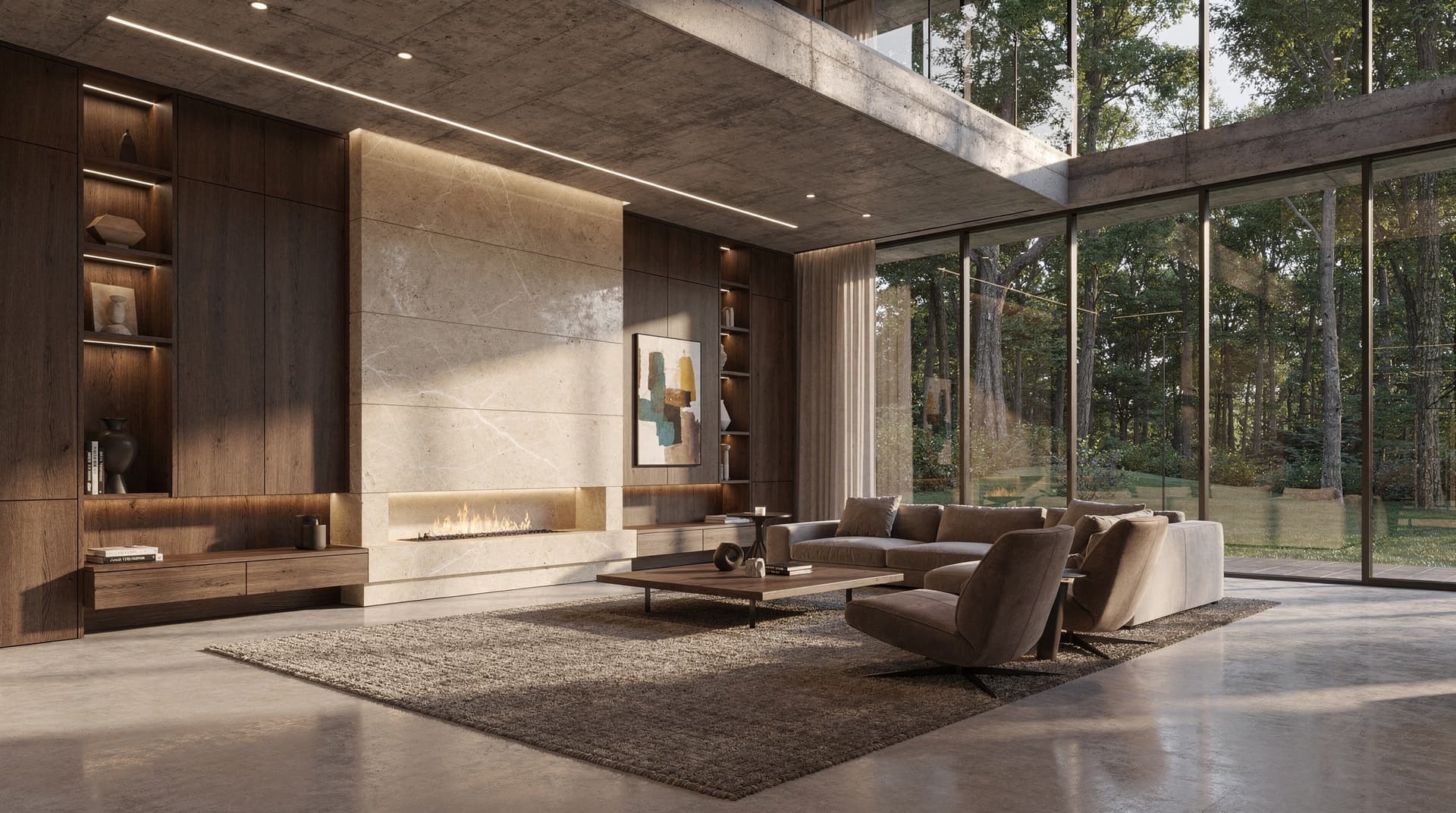
Residential Client Presentations
Show clients how their home could feel before construction begins. Generate photorealistic renders of living rooms, kitchens and bedrooms from your design drawings at concept stage.
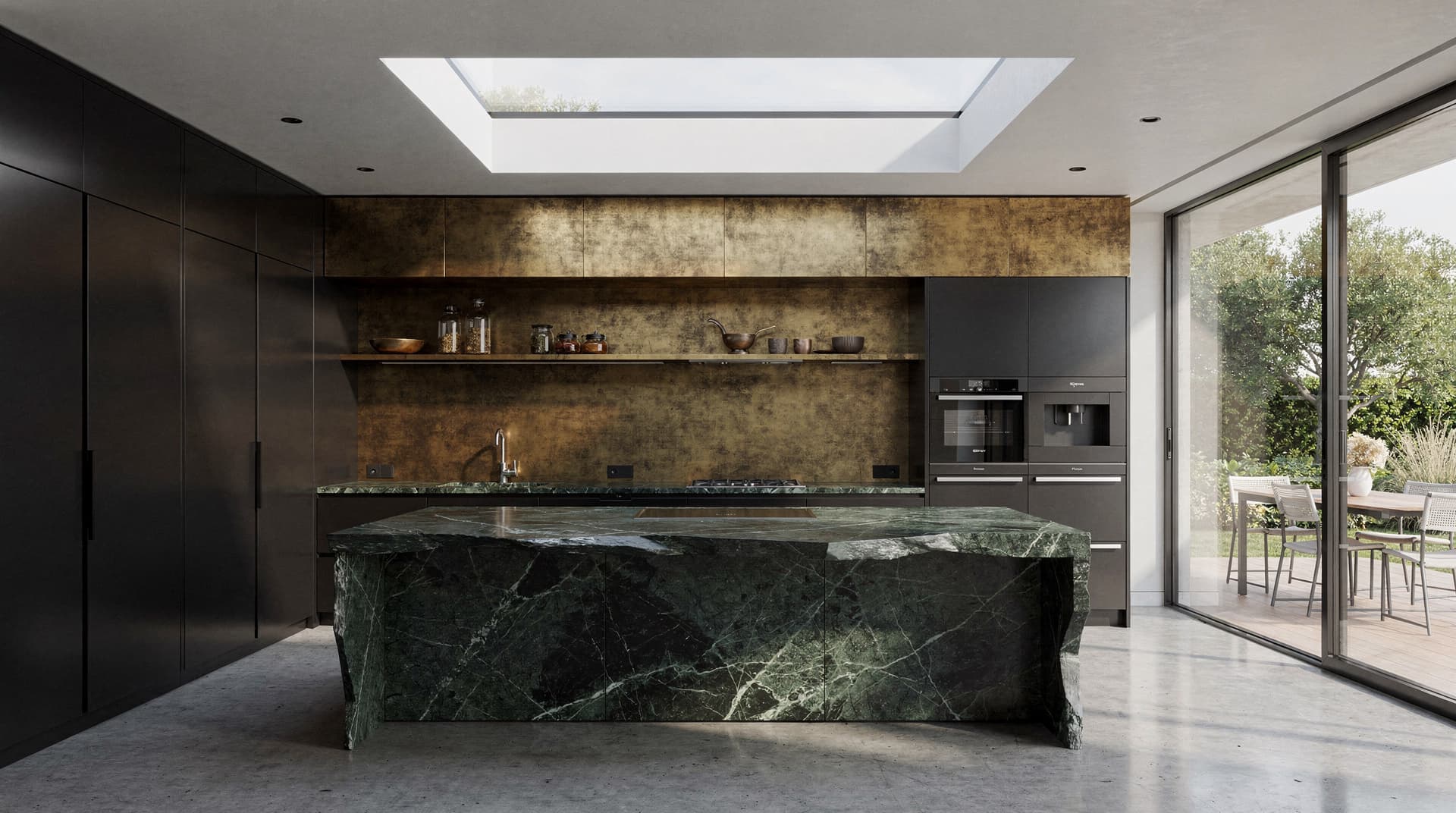
Material and Finish Specifications
Test material combinations — stone, timber, metal, plaster — across an interior, typically 10–30 seconds per render. Bring rendered material options to client review sessions alongside samples and mood boards.
Commercial Interior Briefs
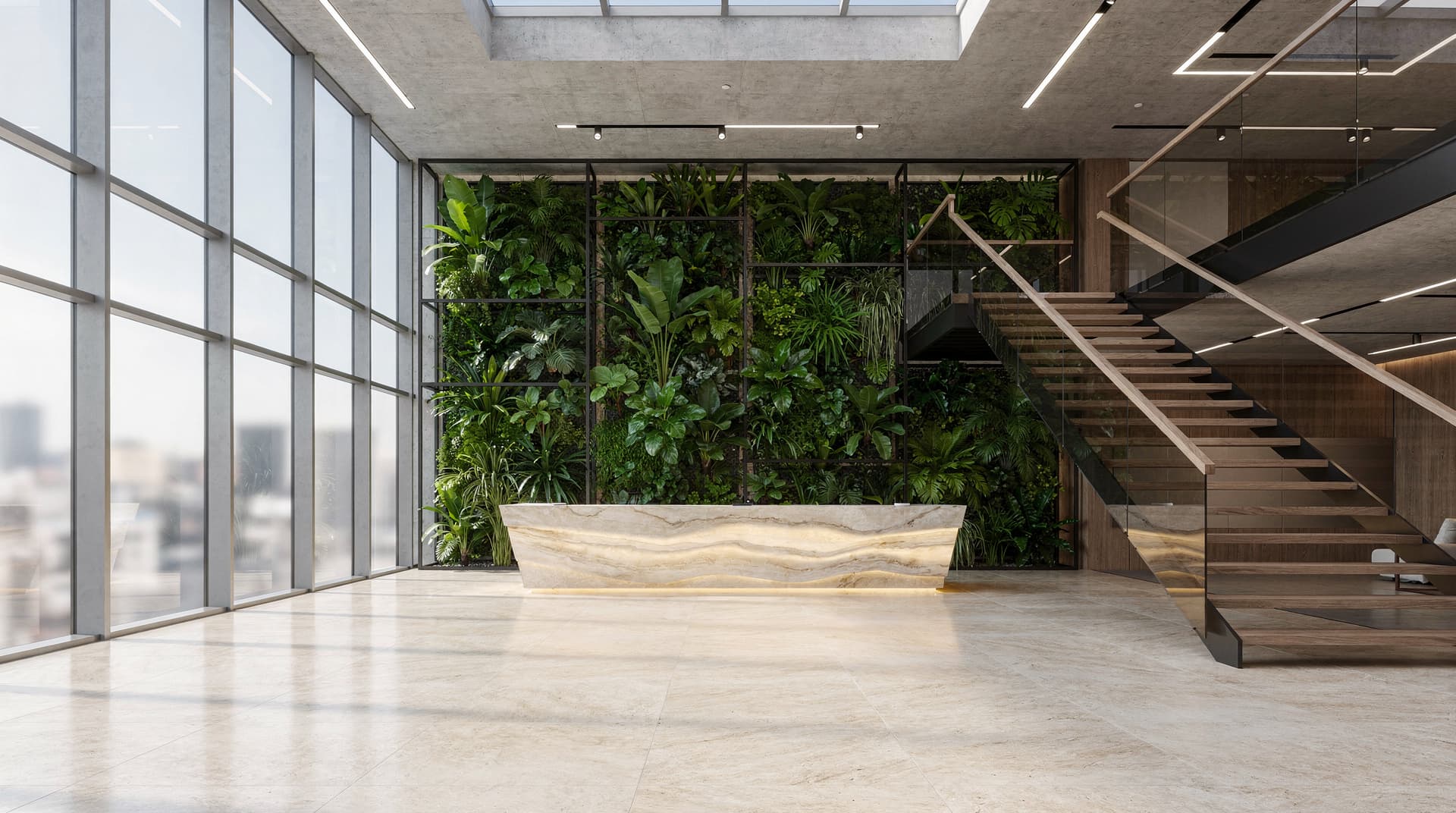
Produce concept renders for hotel lobbies, office headquarters, retail fit-outs and hospitality spaces at pitch stage, without waiting on a dedicated rendering studio.