
Feature
Multi-Reference Rendering
Multi-Reference Rendering lets you combine your drawing or drawings, a site photo, one style reference and a set of materials in one render. How many images fit depends on the model: up to 14 on the default model (Nano 2). The AI reads all inputs together and aims to reflect each one, removing much of the guesswork of text-only prompts.
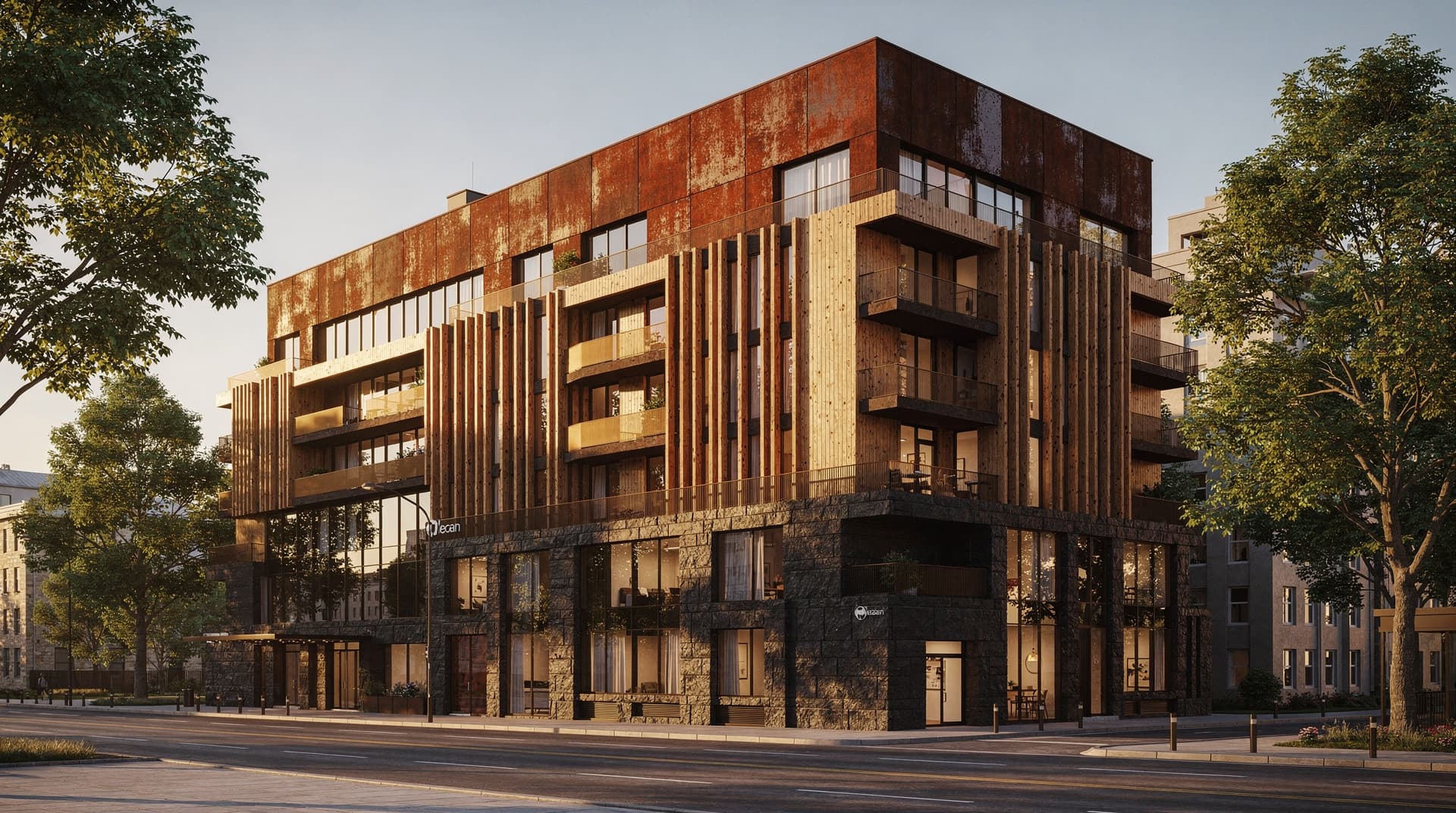
Benefits
What can you do with Multi-Reference Rendering?
Show the AI What You Mean
Text prompts can be ambiguous. Reference images narrow it down: add the stone texture, window proportion or courtyard style you mean and the AI aims to follow it.
Blend Multiple Design Sources
Combine your drawing, a site photo, a style reference and your materials in a single output. Archvisio brings them together in one render.
Helps Keep Variations Consistent
When you generate several renders of the same project, reusing the same references helps keep material choices and proportions consistent across outputs.
How it works
How does Multi-Reference Rendering work?
- 1
Upload Your Base Drawing
Start with your elevation drawing or site plan as the structural foundation for the render.
- 2
Add a Site Photo, Style Reference and Materials
Add a site photo, one style reference (a precedent building, for example) and your materials. Each material gets a name, a tag and an intensity; the style reference takes notes. Total images depend on the model: up to 14 on the default model, Nano 2.
- 3
Set How Closely to Follow (Optional)
A slider controls how closely the render follows your style reference, and each material has its own intensity — lean on materials over style, or the other way round.
- 4
Generate the Synthesized Render
Archvisio combines all inputs and generates a photorealistic render that aims to reflect each one. Review it, rate it and download it as JPEG.
Use cases
Who uses Multi-Reference Rendering?
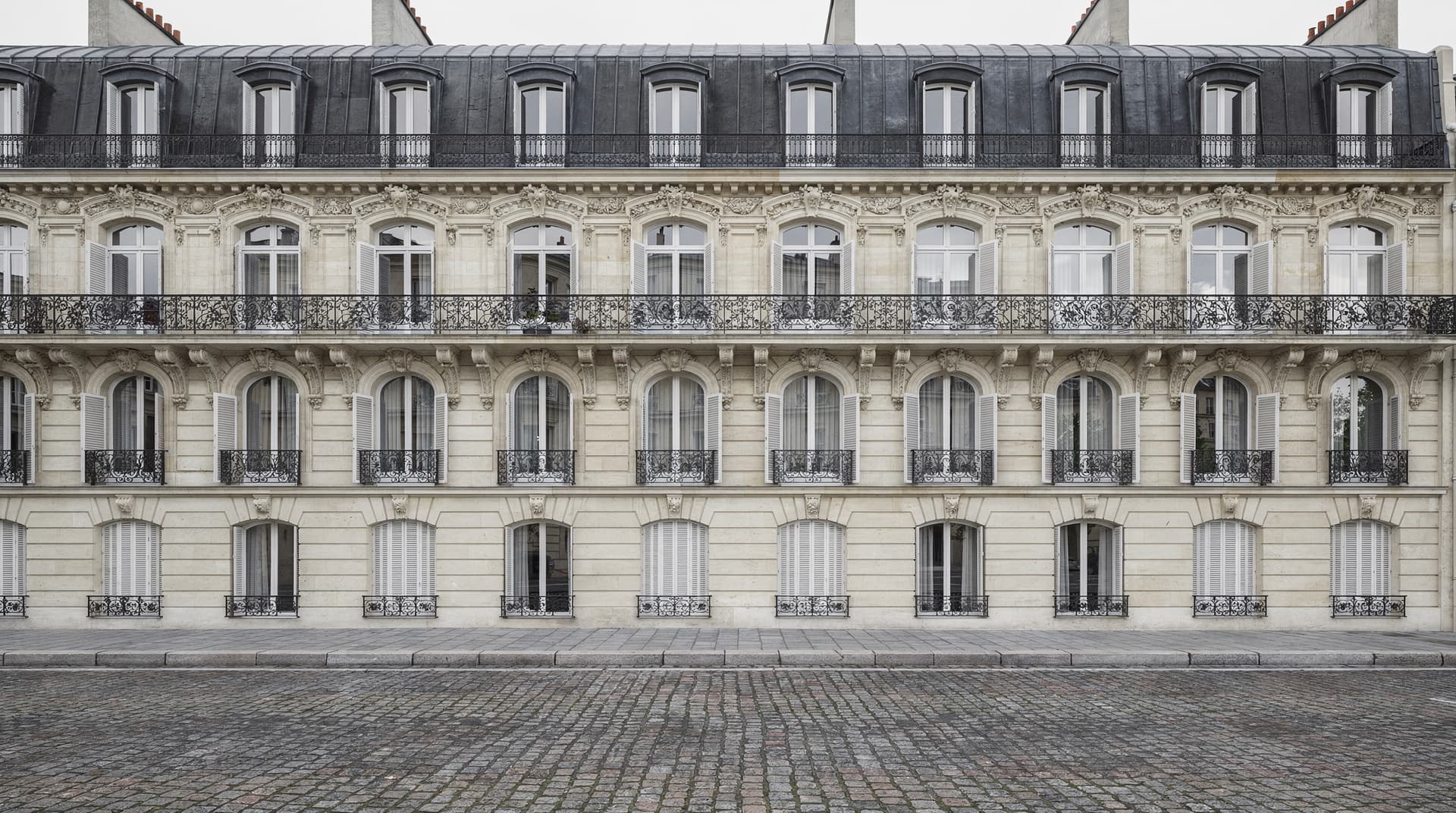
Historic Renovation with Material Accuracy
Reference specific stone types, ironwork details and window profiles to help renovation renders match the heritage character of the existing building.
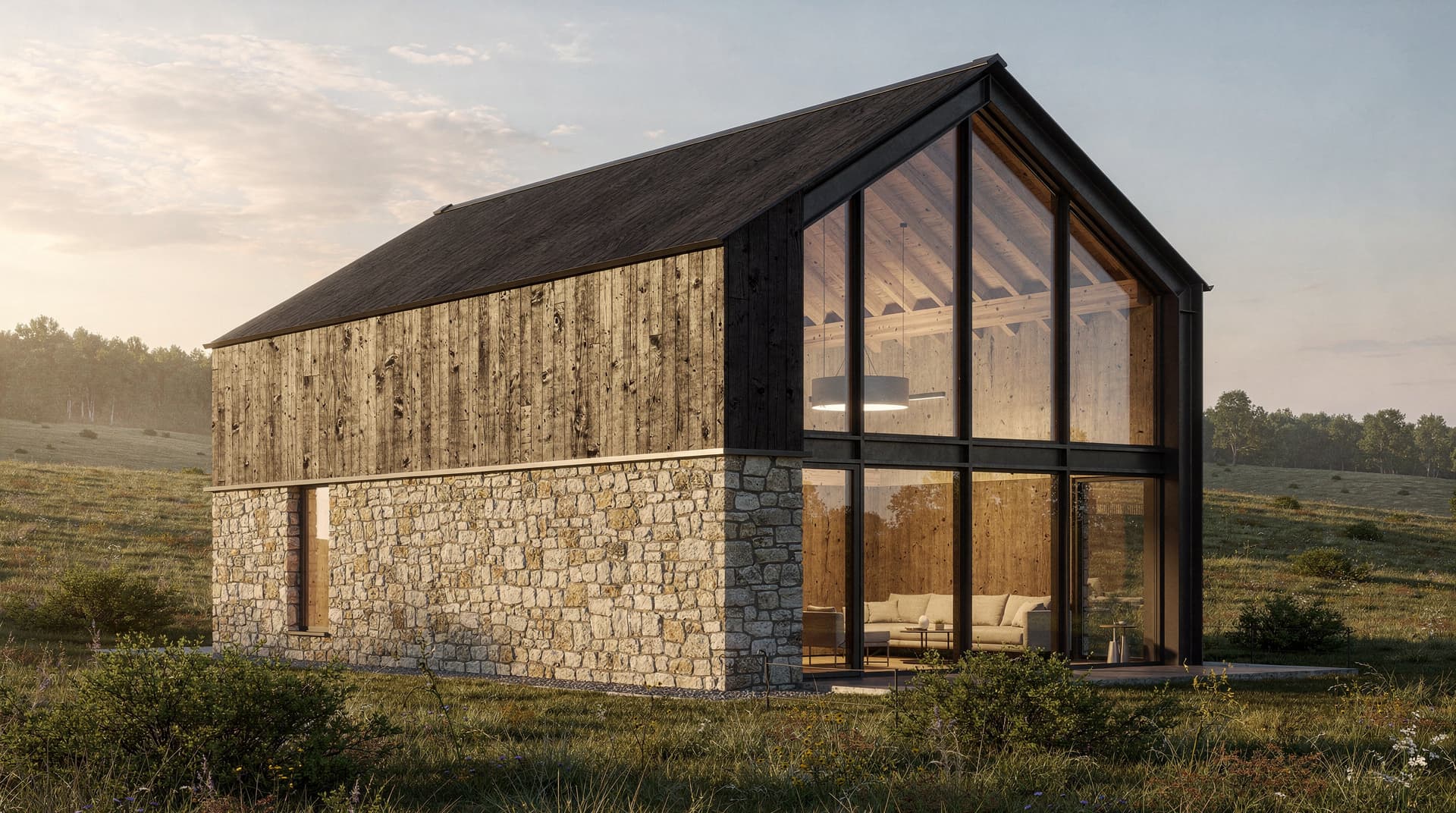
Mixed-Material New Builds
Combine timber, stone, and glass references for complex material palettes. See how the full mix reads on the building before specifying products.
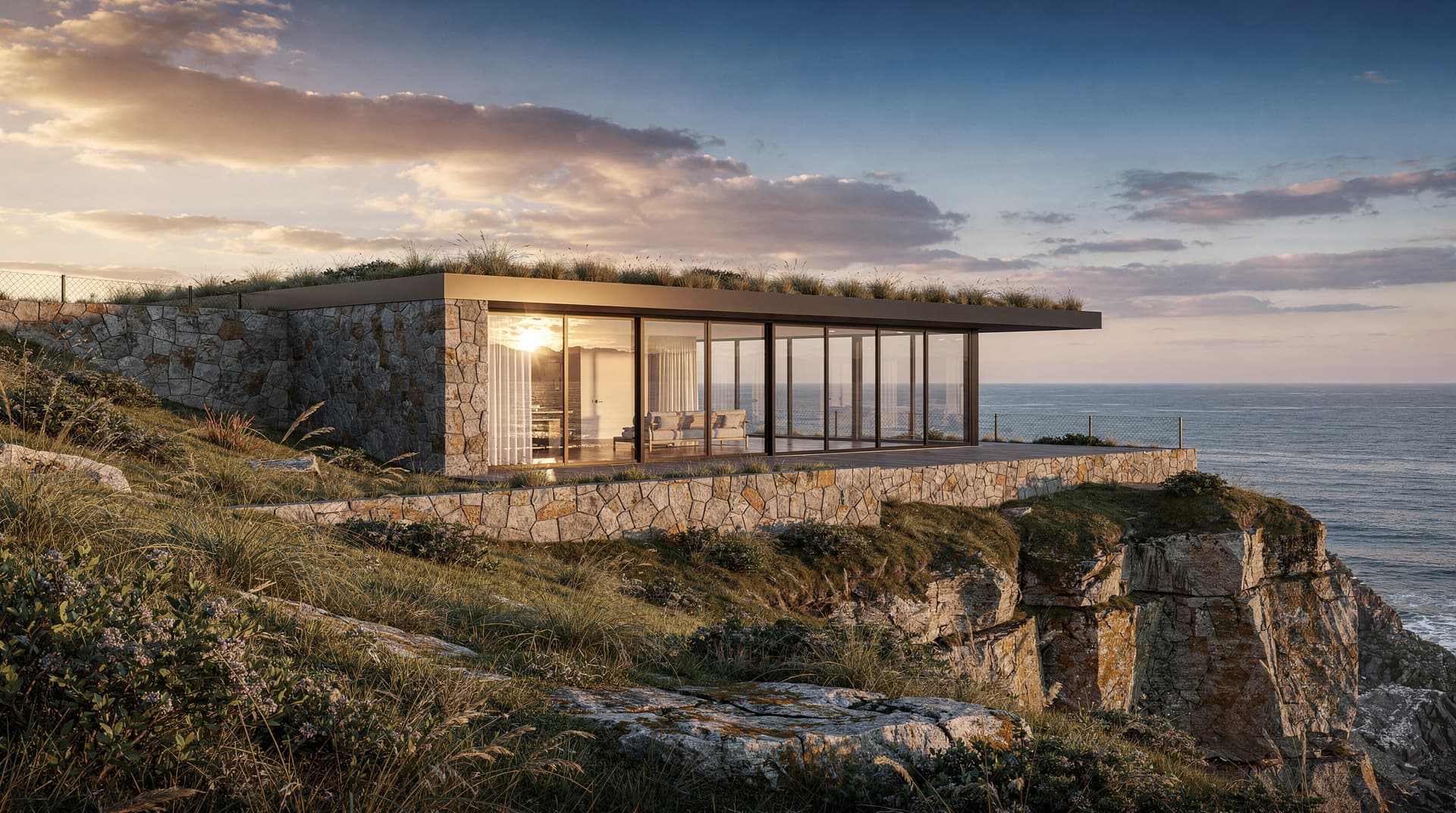
Site-Specific Context Renders
Add a site photo to ground the render in its real location — it aims to pick up sky tone, vegetation and surrounding buildings.