
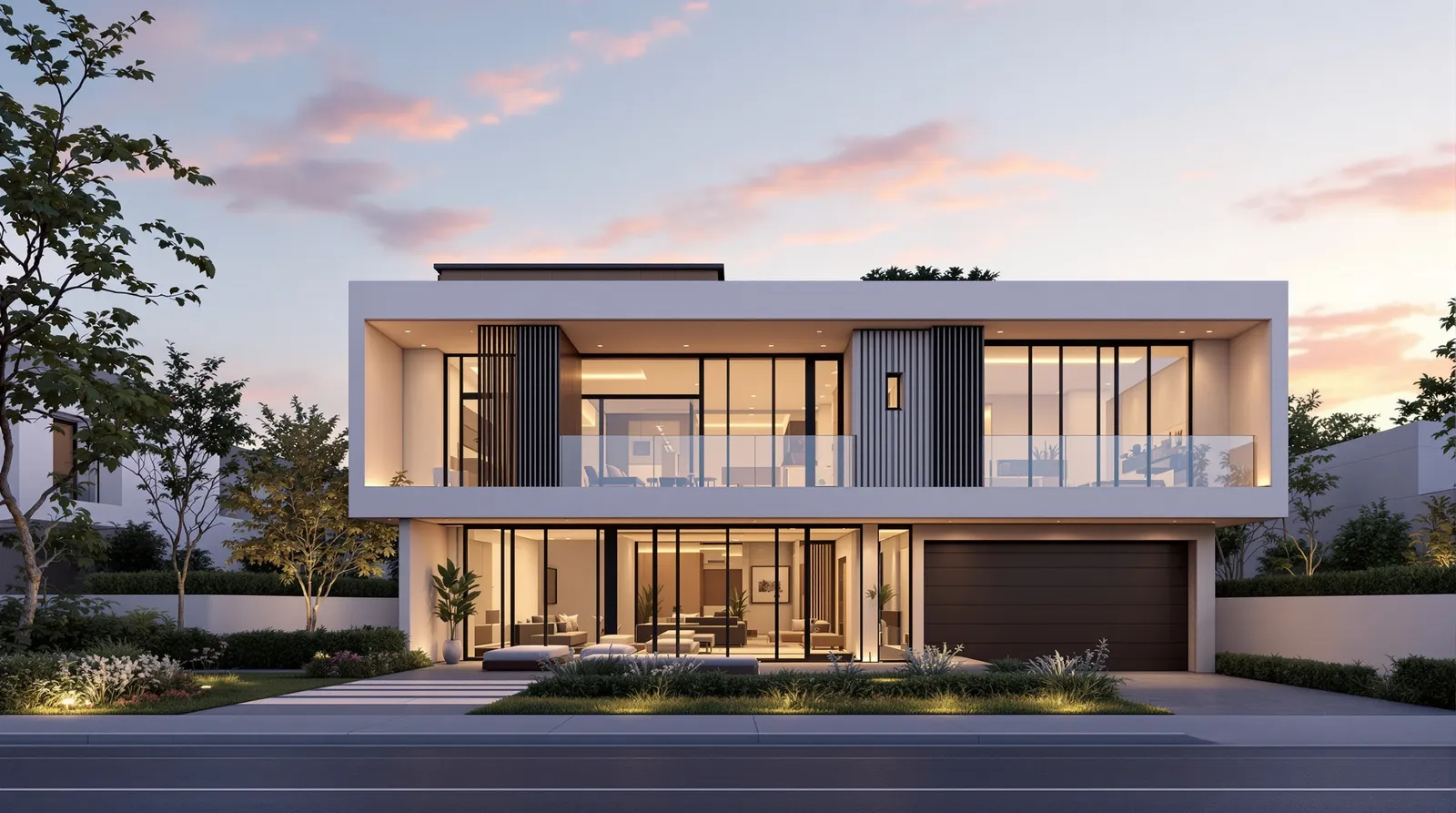
AI architectural rendering converts floor plans, elevation drawings, and site photographs into photorealistic images in under 30 seconds. Archvisio routes each task to the right AI model — producing renders that match architectural intent without 3D modeling or specialist software. Whether you're exploring facades, presenting to clients, or testing massing options, AI rendering eliminates the bottleneck between design thinking and visual communication.
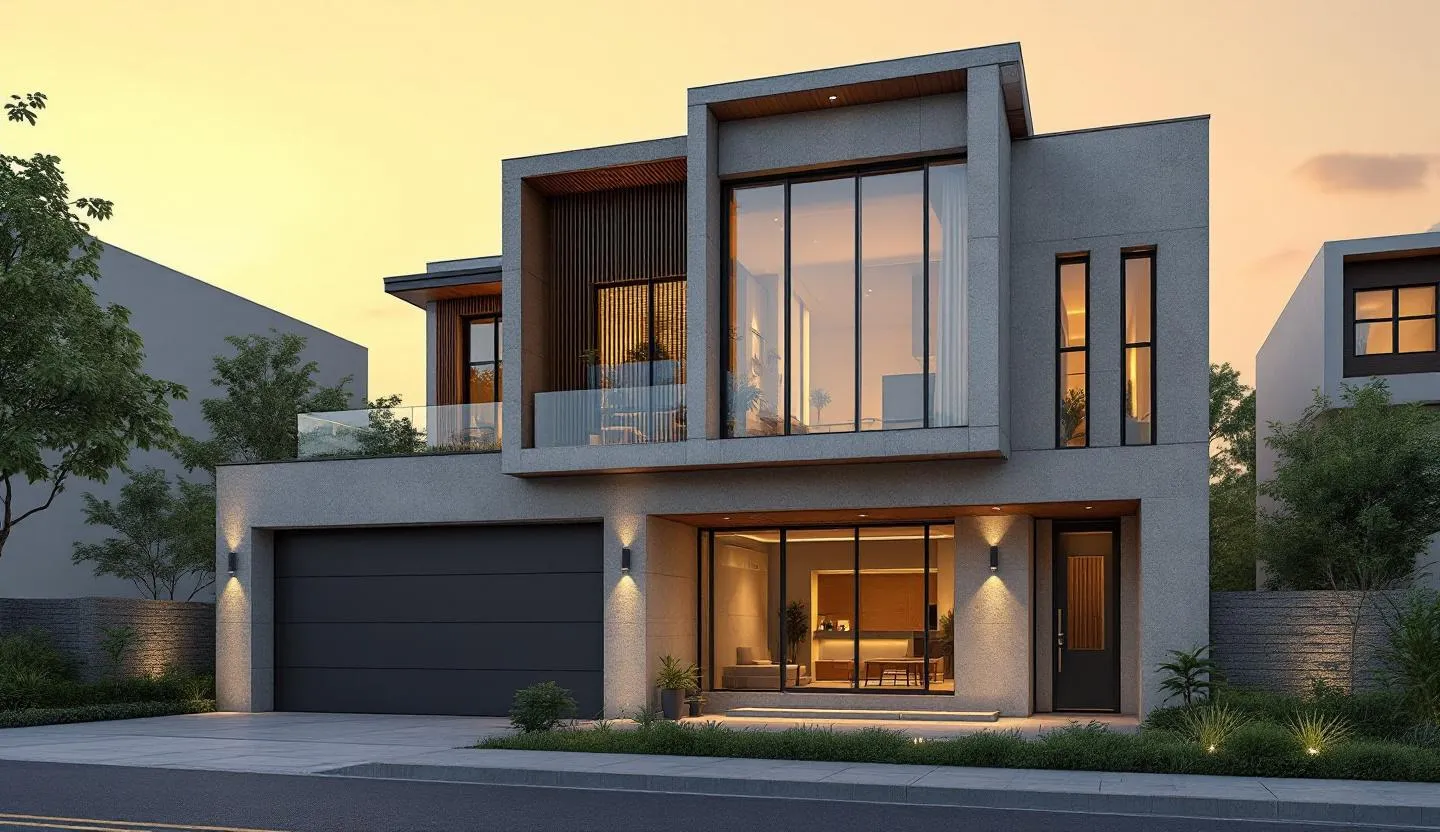
What Is AI Architectural Rendering?
AI architectural rendering is the process of converting architectural drawings, photographs, or sketches into photorealistic images using generative AI models. Unlike traditional 3D rendering — which requires a modeled scene, materials, lighting rigs, and a render engine — AI rendering works directly from 2D inputs. You upload a floor plan, elevation drawing, or site photograph, describe what you want to see, and the AI produces a photorealistic output within seconds.
The underlying technology is a class of diffusion models trained on large datasets of architectural photography and building imagery. These models have learned to interpret spatial relationships, material properties, and lighting conditions from 2D representations alone. The result is architecture ai render quality that, for many presentation and client communication tasks, is indistinguishable from traditional renders produced at a fraction of the time and cost.
In 2026, AI render for architecture has moved from experimental to standard practice in forward-thinking design firms. The tools have matured, the output quality has improved significantly, and the workflow integration is now seamless enough for daily use.
How Does AI Architectural Rendering Work?
The process from drawing to finished render follows a clear sequence:
-
Upload your input — Upload a floor plan, elevation drawing, facade photograph, hand sketch, or CAD export to Archvisio. The higher the quality and clarity of your input, the better the AI can interpret your design intent.
-
Write a prompt — Describe the output you want in plain language. Include materials, lighting conditions, time of day, surrounding context, and style. For example: "contemporary residential exterior, white render facade with timber screens, golden hour lighting, green suburban context."
-
Add reference images (optional) — For multi-reference rendering, upload material swatches, precedent images, or site photographs to anchor the AI's output to specific visual references.
-
Select the AI model — Archvisio routes your task to the appropriate model based on the task type. Flux Kontext Max for professional presentation renders, SeedDream 4.5 for cinematic quality, SeedDream 5 for multi-image reference tasks.
-
Generate — The AI processes your input and produces a photorealistic render in 15–30 seconds. Multiple variations can be generated in parallel.
-
Iterate — Refine with follow-up prompts, adjust materials via the facade editor, or regenerate with modified references. Each iteration takes seconds, not hours.
-
Export and present — Download renders at full resolution, add them to presentation boards, or share directly with clients.
This workflow replaces a process that previously required SketchUp or Revit modeling, VRay or Lumion setup, lighting configuration, and multi-hour render times. The same quality of output now takes under a minute.
What Types of Drawings Can You Render with AI?
AI architectural rendering works across a wide range of input types. The table below summarises the most common inputs, what the AI produces, and where each is most useful in a project workflow.
| Input Type | What AI Produces | Best For |
|---|---|---|
| Elevation drawing | Photorealistic exterior render matching the elevation geometry | Client presentations, planning applications |
| Floor plan | Conceptual 3D visualisation of interior layout and spatial flow | Early-stage client briefings |
| Facade photograph | Material and colour variation studies of existing facade | Refurbishment projects, facade studies |
| Hand sketch | Rendered interpretation of sketched massing and form | Concept stage exploration |
| CAD export (DWG/PDF) | Exterior or interior render derived from line drawing | All project stages |
| Site photograph | Proposed building composited into existing site context | Planning submissions, stakeholder presentations |
| Interior photograph | Re-styled interior with new materials, furniture, or finishes | Interior design, fit-out projects |
For interior projects, interior rendering works from room photographs or floor plan sections, applying new materials, lighting, and furnishings directly to the space.
How Accurate Is AI Architectural Rendering?
Accuracy in AI architectural rendering depends on three factors: input quality, prompt specificity, and the model used.
Input quality is the foundation. A clean, well-composed elevation drawing will produce a render that closely matches the intended design. A blurry phone photo or a low-resolution scan will produce a less faithful result. The AI interprets what it can see — so the more clearly your drawing communicates the design, the more accurate the output.
Prompt specificity drives material and context accuracy. A prompt that specifies "grey zinc standing seam cladding, deep reveals, aluminium powder-coated windows, no visible guttering" will produce a significantly more accurate result than "modern building with metal cladding."
Model selection determines the ceiling of quality. For professional presentations, Flux Kontext Max produces the highest fidelity output with the strongest adherence to input geometry. For multi-reference tasks — where you need the output to match multiple visual sources simultaneously — SeedDream 5 with multi-reference rendering handles up to 14 reference images and produces the most visually consistent results.
For planning applications, AI renders are now used as supporting visualisations at many planning authorities, particularly when combined with site photographs and accurate massing studies. They are not yet universally accepted as the primary planning visualisation, but their use is growing rapidly.
See also: sketch to render AI and facade design with AI for specific workflow guides.
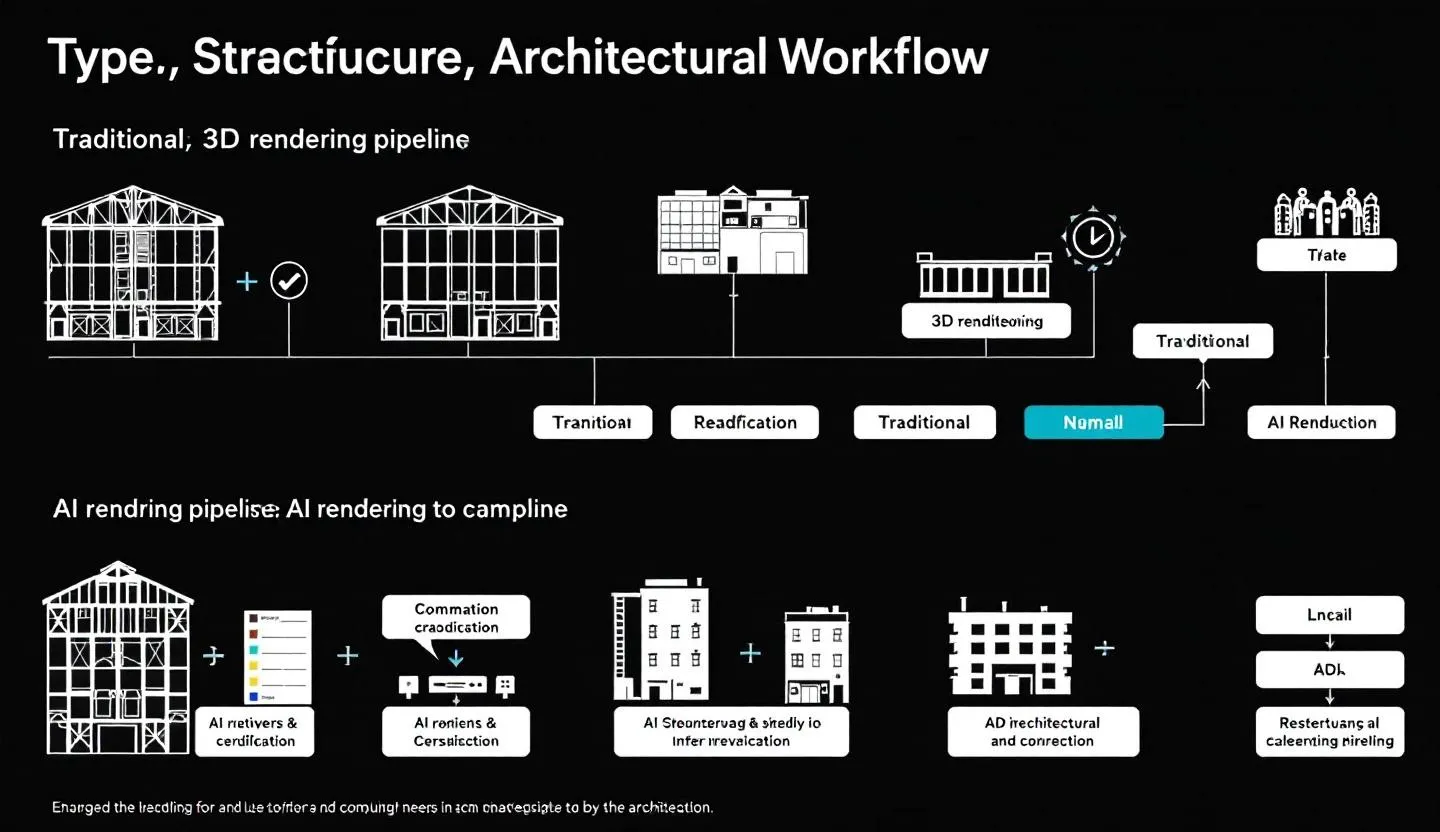
AI Architectural Rendering vs Traditional 3D Rendering
The comparison between AI rendering and traditional 3D rendering is not binary — both approaches have distinct strengths. The table below maps the key differences across the dimensions that matter most to design practices.
| Dimension | AI Architectural Rendering | Traditional 3D Rendering |
|---|---|---|
| Time per render | 15–30 seconds | 2–8 hours (including modeling and setup) |
| Cost | Low per render, subscription model | High — specialist software + operator time |
| Skill required | None — plain language input | 3D modeling, lighting, rendering expertise |
| Iteration speed | Seconds per variation | Hours per variation |
| Output fidelity | Very high for presentation use | Highest — full scene control |
| Geometric accuracy | High when input drawing is clear | Exact — model is the source |
| Revision flexibility | Instant — re-prompt or adjust references | Slow — requires model edits |
| Interior detail | Good with clear input | Excellent — full scene control |
| Best for | Concept through planning stage | Technical presentations, detailed design |
When to use AI rendering: concept exploration, client design reviews, planning submissions, facade studies, material testing, rapid iteration, presentations where speed matters.
When traditional rendering still wins: highly detailed technical presentations where exact geometric accuracy is critical, animation and walkthrough production (though AI video is advancing rapidly), and projects where the client has commissioned hyper-photorealistic imagery as a deliverable in its own right.
For most design practices, the answer in 2026 is both: AI rendering handles the majority of day-to-day visualisation needs, while traditional rendering is reserved for high-stakes final presentations.
Use Cases: Who Uses AI Architectural Rendering?
AI architectural rendering has found adoption across multiple disciplines within the built environment sector.
Residential architects use AI rendering to explore massing options, test facade materials, and produce client-facing visualisations from sketch stage through planning submission. The ability to generate twelve facade variations in a morning — and get a client decision the same day — fundamentally changes the design process.
Commercial developers use AI renders for early-stage feasibility work, investor presentations, and planning authority submissions. The speed and cost of AI rendering makes it viable to produce professional-quality visuals at stages where traditional rendering was prohibitively expensive.
Interior designers use interior rendering to show clients how a space will feel with different materials, finishes, and furniture configurations. Rather than mood boards of disconnected images, clients see their actual room with the proposed design applied.
Planning consultants use AI renders to produce site context visualisations that show proposed developments within their streetscape context. Combined with site photographs and accurate massing models, these images provide planning officers with clear, accessible representations of what is being proposed.
Small and mid-size design practices benefit most from the democratisation of high-quality rendering. Previously, a sole practitioner or small studio couldn't afford a dedicated visualiser — AI rendering makes professional-quality visuals accessible at every project scale.
Presentation boards that combine multiple AI renders into coherent client documents are created directly in Archvisio using presentation boards, removing the need to export to InDesign or PowerPoint for basic client presentations.
How to Choose the Right AI Model for Architectural Renders
Not all AI models perform equally across all architectural rendering tasks. Archvisio routes tasks automatically, but understanding the model landscape helps you get better results.
Flux Kontext Max is the highest-fidelity option for professional architectural renders. It excels at exterior renders where strict adherence to input geometry matters, facade colour and material studies, and any render destined for a client presentation or planning submission. It reads elevation drawings accurately and translates architectural intent with precision.
Flux Kontext Pro offers comparable quality to Max at slightly faster generation speed, making it a good choice for iterative exploration work where you're generating many variations to find the right direction.
SeedDream 4.5 produces cinematic-quality architectural imagery with exceptional lighting and atmosphere. It's particularly strong for renders where the visual impression of the building — its mood, light, and presence — matters more than strict geometric accuracy.
SeedDream 5 is the model for multi-reference tasks. If you need the output to incorporate references from multiple sources simultaneously — a specific material, a lighting condition from a precedent, a massing from an earlier render — SeedDream 5's native multi-image support handles up to 14 reference inputs. This is the model behind Archvisio's multi-reference rendering workflow.
For interior rendering: Flux Kontext is generally the strongest choice for interior spaces, given its ability to follow detailed material and furniture specifications from text descriptions. Combine it with a clear floor plan or room photograph for the best results with interior rendering.
For a deeper look at the sketch-to-render workflow specifically, see sketch to render AI.
FAQ
How long does AI architectural rendering take?
Most renders complete in 15–30 seconds in Archvisio. Generation time depends on the model selected and server load. Flux Kontext Pro renders typically complete in under 20 seconds. SeedDream models with multiple references may take 25–35 seconds. All are dramatically faster than any traditional rendering workflow.
Does AI architectural rendering replace traditional rendering?
For most day-to-day visualisation tasks, yes — AI rendering produces output of sufficient quality for client presentations, planning submissions, and design exploration. Traditional rendering with SketchUp, Revit, and VRay retains an advantage for highly detailed technical presentations and animation production. Most practices in 2026 use both: AI for speed and iteration, traditional for final high-stakes deliverables.
What resolution do AI architectural renders produce?
Archvisio delivers renders at up to 4K resolution (3840×2160 pixels) depending on the model. Flux Kontext Max and SeedDream 4.5 both support native high-resolution output suitable for large-format printing and presentation. Standard outputs are typically 1024×1024 to 2048×2048 pixels, which is sufficient for screen presentations and standard print.
Can AI render interior spaces?
Yes. Interior rendering works from room photographs, floor plan sections, or interior sketches. The AI applies new materials, finishes, lighting conditions, and furnishings to the input. The quality is excellent for client presentations. Exterior accuracy tends to be higher than interior accuracy due to the greater geometric complexity of interior scenes, but the output is well above the threshold for professional use.
Is AI architectural rendering accurate enough for planning applications?
In many jurisdictions, yes — and acceptance is growing. AI renders are used in planning submissions across the UK, Germany, and other European markets as supporting visualisations. They are most effective when combined with accurate site photographs (for context) and clear massing drawings (for geometric accuracy). They are not yet universally accepted as the sole visualisation, but their use in planning packs is increasingly common. Check with your local planning authority for their specific requirements.
Ready to generate your first AI architectural render? Start with AI rendering in Archvisio — upload an elevation drawing and see results in under 30 seconds.