
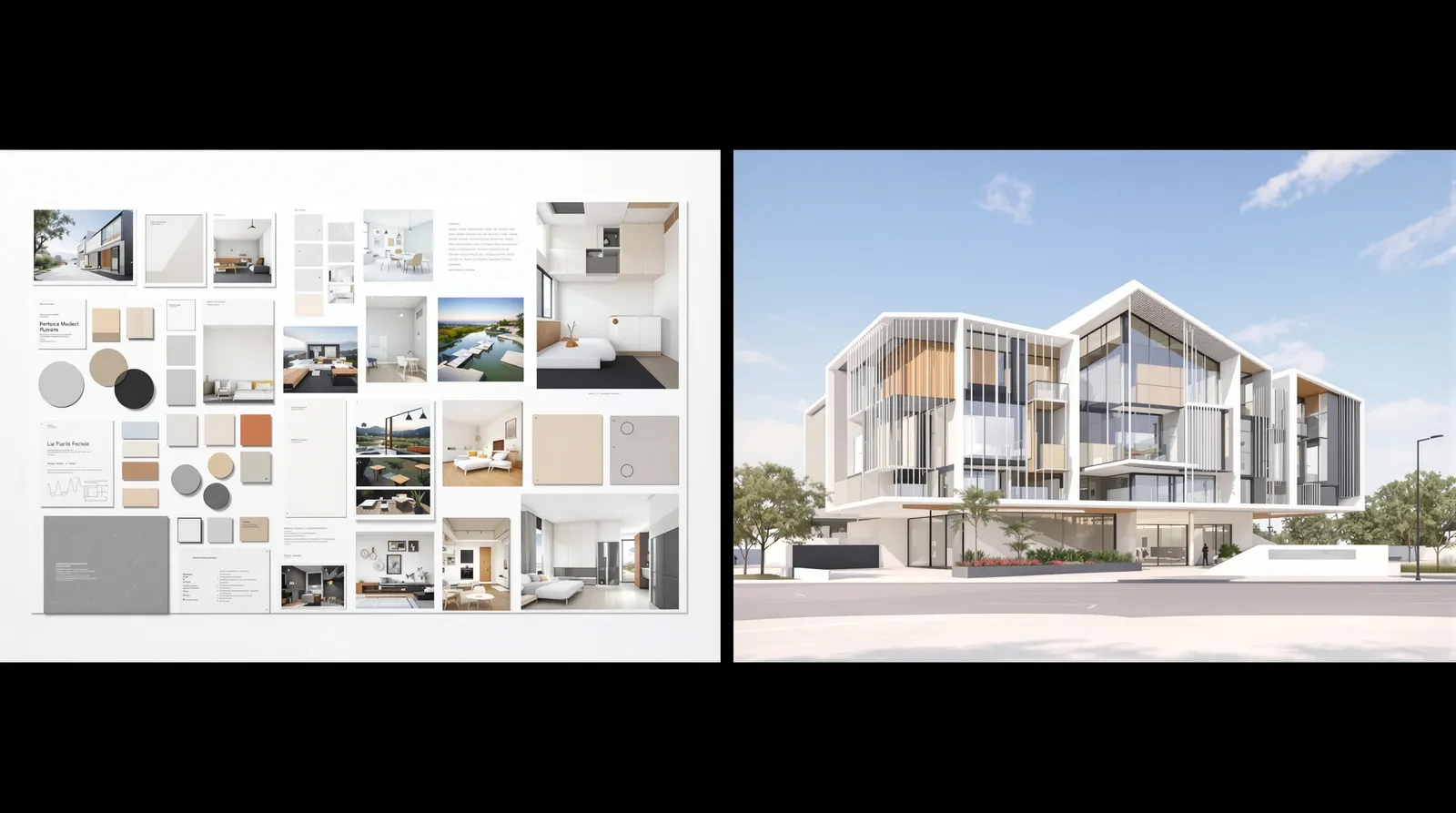
Early AI rendering tools had a fundamental problem: you described what you wanted in text, and the AI made its best guess. The results were often beautiful — but they weren't your building.
Multi-reference rendering solves this by letting you provide multiple visual inputs simultaneously: a floor plan or elevation for geometry, material reference photos for accuracy, a style reference for atmosphere, and a site photo for context. The result is a render that's not just photorealistic, but faithful to your design.
The Four Input Types
The power of Multi-Reference Rendering comes from combining different types of visual information. Each input plays a distinct role.
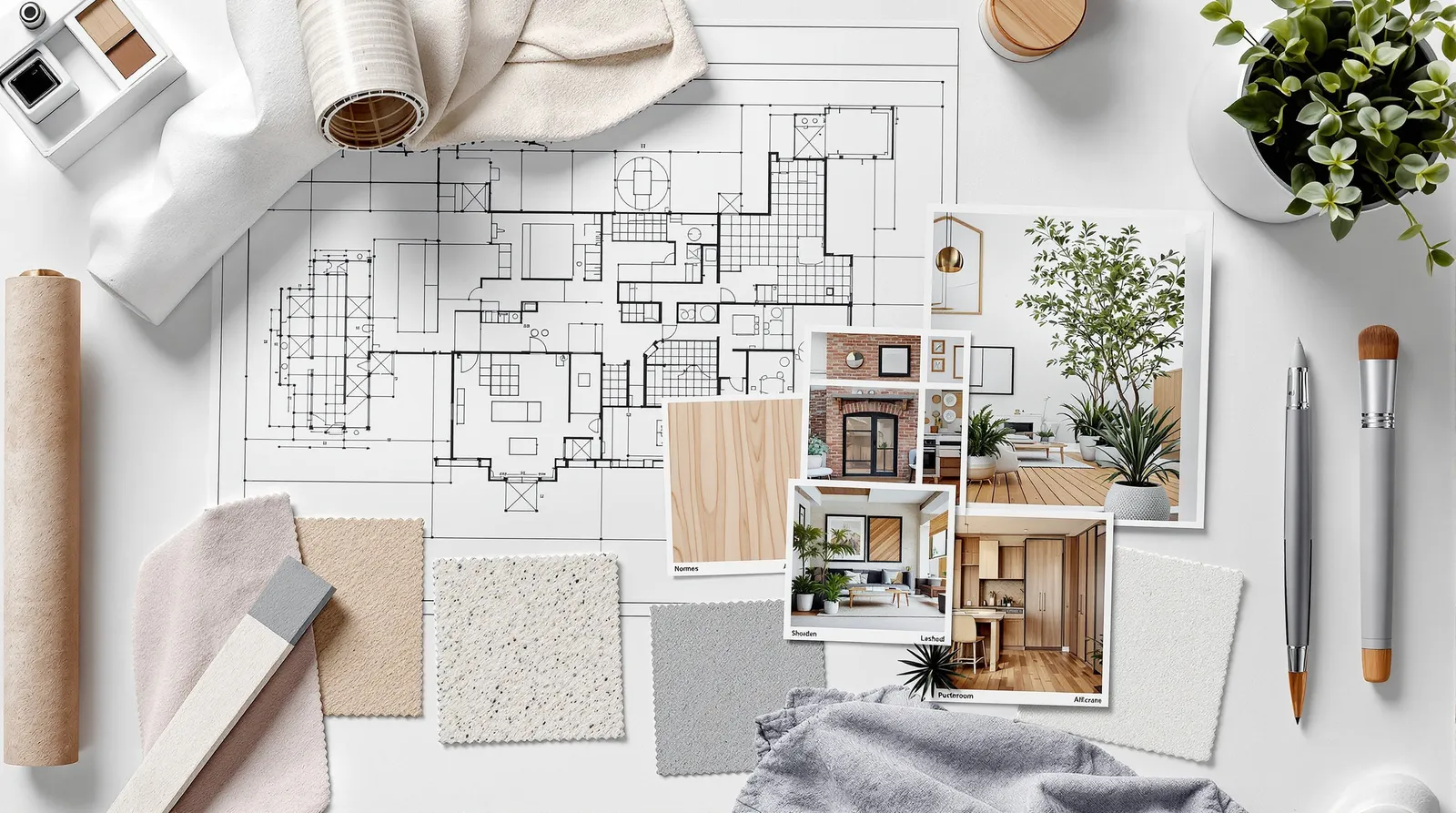
1. The Base Drawing
This is your primary structural input. It can be a floor plan, an elevation, a section, a sketch, or a photograph of a physical model. The AI reads the geometry from this image and uses it as the backbone of the render.
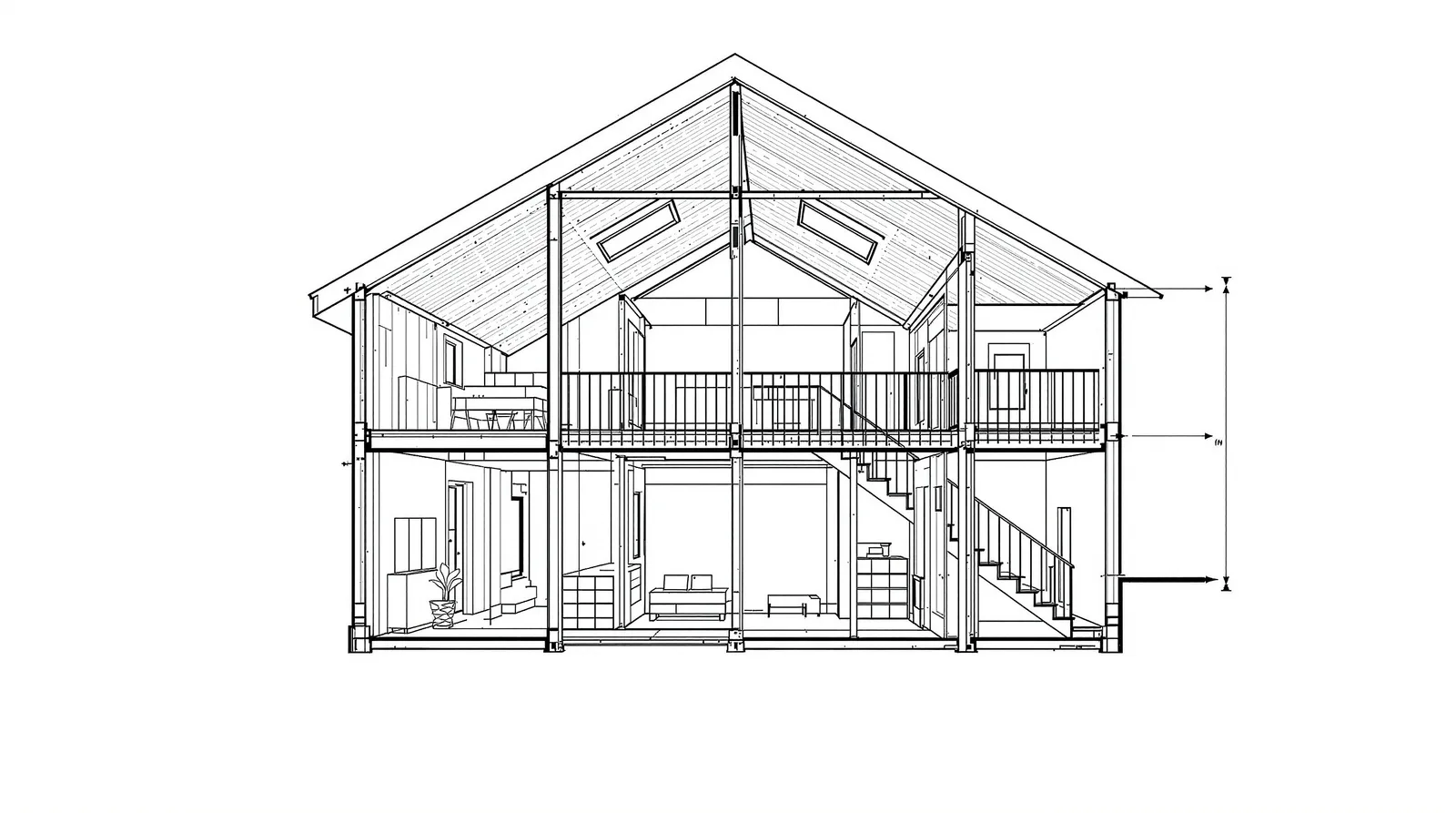
For best results, use a clean, high-contrast drawing. Architectural line drawings work well. Scanned pencil sketches work too, provided the lines are legible. Even a photograph of a hand model can serve as an effective base. Section drawings are particularly useful for showing ceiling height relationships and split-level spaces.
2. Material References
Material references are photographs of the actual materials you intend to use. A product shot of the brick. A close-up of the timber cladding sample. A manufacturer's photo of the window system.
The AI matches the colour, texture, scale, and finish of your reference material and applies it to the relevant surfaces in the render. The more specific your material reference, the more accurate the output.
You can provide up to five material references per render. Each reference can target a specific surface type — for example, one reference for the facade cladding, one for the glazing, one for the ground plane.
3. Style Reference
The style reference sets the overall atmosphere and rendering aesthetic. It's typically a render or photograph whose look and feel you want to match: a particular quality of light, a level of detail, a colour grade.
Style references let you maintain visual consistency across a project. If you have an established visual language — high-contrast monochrome, warm golden hour, clinical white studio — you can anchor every render to that reference.
4. Site Photo
A photograph of the actual site grounds the render in reality. The AI composites your building into the existing environment: existing trees, neighbouring buildings, street furniture, sky conditions.
This is particularly effective for planning applications, where showing the proposed building in its actual context is more persuasive than a standalone render. Read more about how to use this for client and planning presentations.
Weighting Your Inputs
Not all inputs need equal influence. Archvisio lets you adjust the weight of each reference — how strongly the AI should adhere to it.
For a tight scheme where material accuracy is critical, increase the weight of your material references. For a looser concept-stage exploration where atmosphere matters more than precision, increase the style reference weight and reduce the structural weight.
Practical Tips
Use real photographs for material references, not renders. Real photos contain lighting information that renders don't. The AI uses this to apply realistic lighting behaviour to the material.
Keep references clean. A material reference cluttered with other objects will confuse the AI. Crop to show just the material itself.
Layer references progressively. Start with just the base drawing to check the structural read. Add material references one at a time. This lets you isolate which input is affecting which part of the output.
Save reference sets. If you're working on a project with an established material palette, save your reference set as a preset. Apply it to every render in the project for visual consistency.
For facade-specific workflows, see our guide on exploring facade designs with AI. For interior projects, the interior rendering guide covers how to adapt these techniques for inside spaces.