
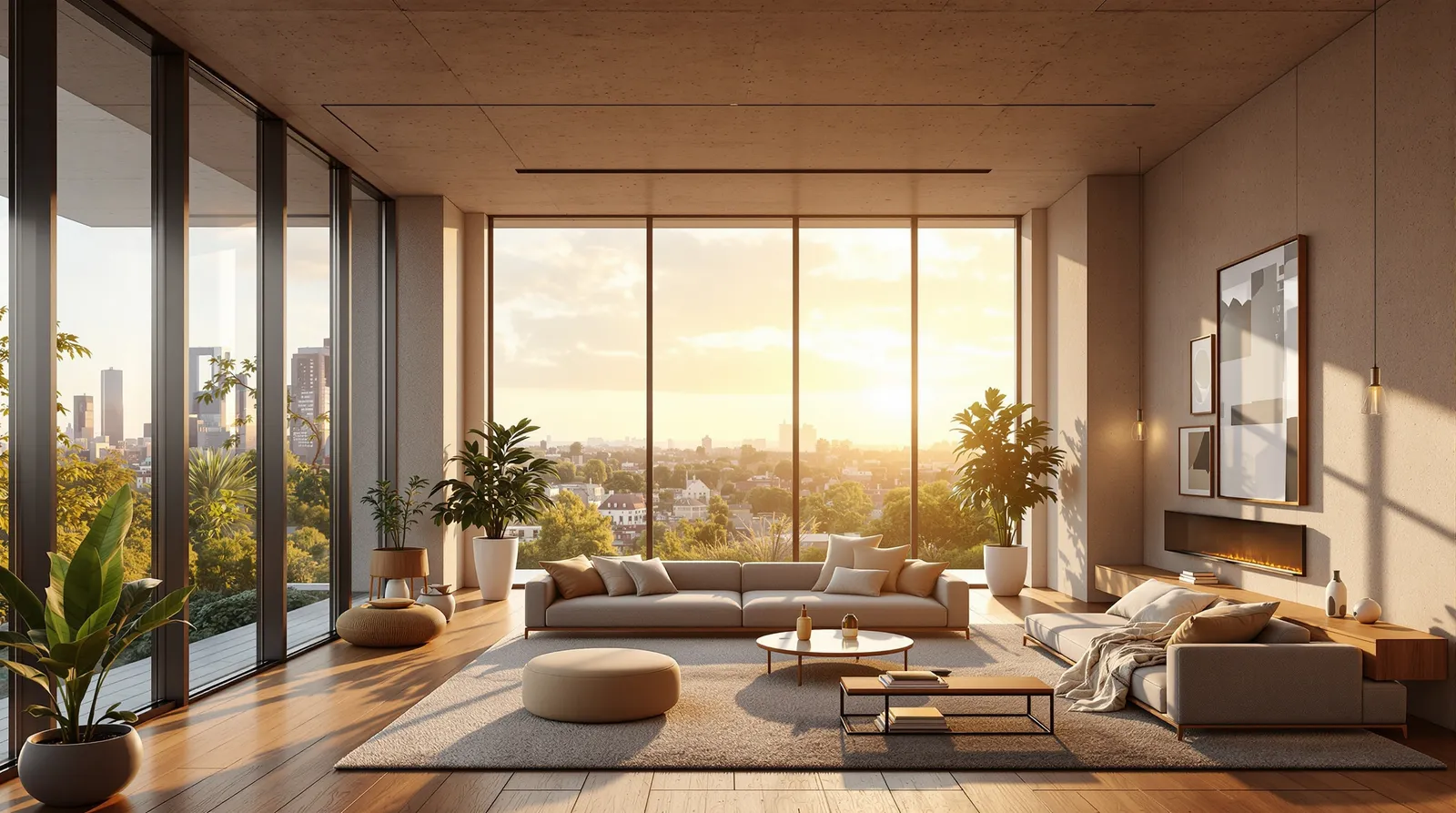
Interior architectural visualisation is a different discipline from exterior rendering. Where exterior renders are dominated by massing, facade materials, and site context, interiors live and die on the quality of light, the warmth of materials, and the way space feels at human scale.
For years, interior renders required the most skilled visualisers — understanding how light bounces between surfaces, how timber responds to afternoon sun, how a polished concrete floor changes a room's acoustic sense even in a still image.
AI interior rendering doesn't eliminate this skill, but it makes it accessible. Archvisio's Interior Rendering mode is optimised specifically for enclosed spaces and the particular challenges they present.
What Makes a Good Interior Render
Before generating, it helps to understand what distinguishes a compelling interior render from a mediocre one:
Light quality — The direction, colour temperature, and diffusion of light in the space. Morning light through east-facing windows is different from afternoon sun through west-facing glazing. Both are different from even, overcast daylight.
Material interaction — How surfaces reflect and absorb light. Polished stone and matte plaster respond completely differently to the same light source. The interplay between materials creates the richness of a good interior render.
Human scale indicators — Furniture, door heights, ceiling heights relative to room dimensions. Without these, the scale of a space is impossible to read.
Depth and layering — Interior renders with foreground, midground, and background feel three-dimensional. Flat compositions read as shallow.
Setting Up an Interior Render in Archvisio
For interior renders, the base image matters more than in exterior work. Good options include:
- A floor plan (the AI infers the view and constructs the spatial composition)
- A section drawing (excellent for showing ceiling height relationships)
- A perspective sketch
- A photo of a physical model or foam mock-up
For material references, photograph the actual finishes you're specifying. A phone photo of your timber sample, your stone tile, your painted plasterboard swatch is all you need. The AI uses these to apply accurate surface characteristics. For a deeper dive into combining multiple reference inputs, see the Multi-Reference Rendering guide.
Lighting Control
Describe the light you want in your prompt. Be specific:
- "Afternoon sun entering from the left at 30 degrees, warm yellow light, long shadows"
- "Diffuse northern daylight, cool and even, overcast sky"
- "Evening, warm interior lighting from pendants and uplights, pool of light on dining table"
For residential projects, golden hour light is almost always the most compelling. For commercial and workplace projects, even diffuse daylight typically reads better — it's more credible and less theatrical.
Interior Render Use Cases
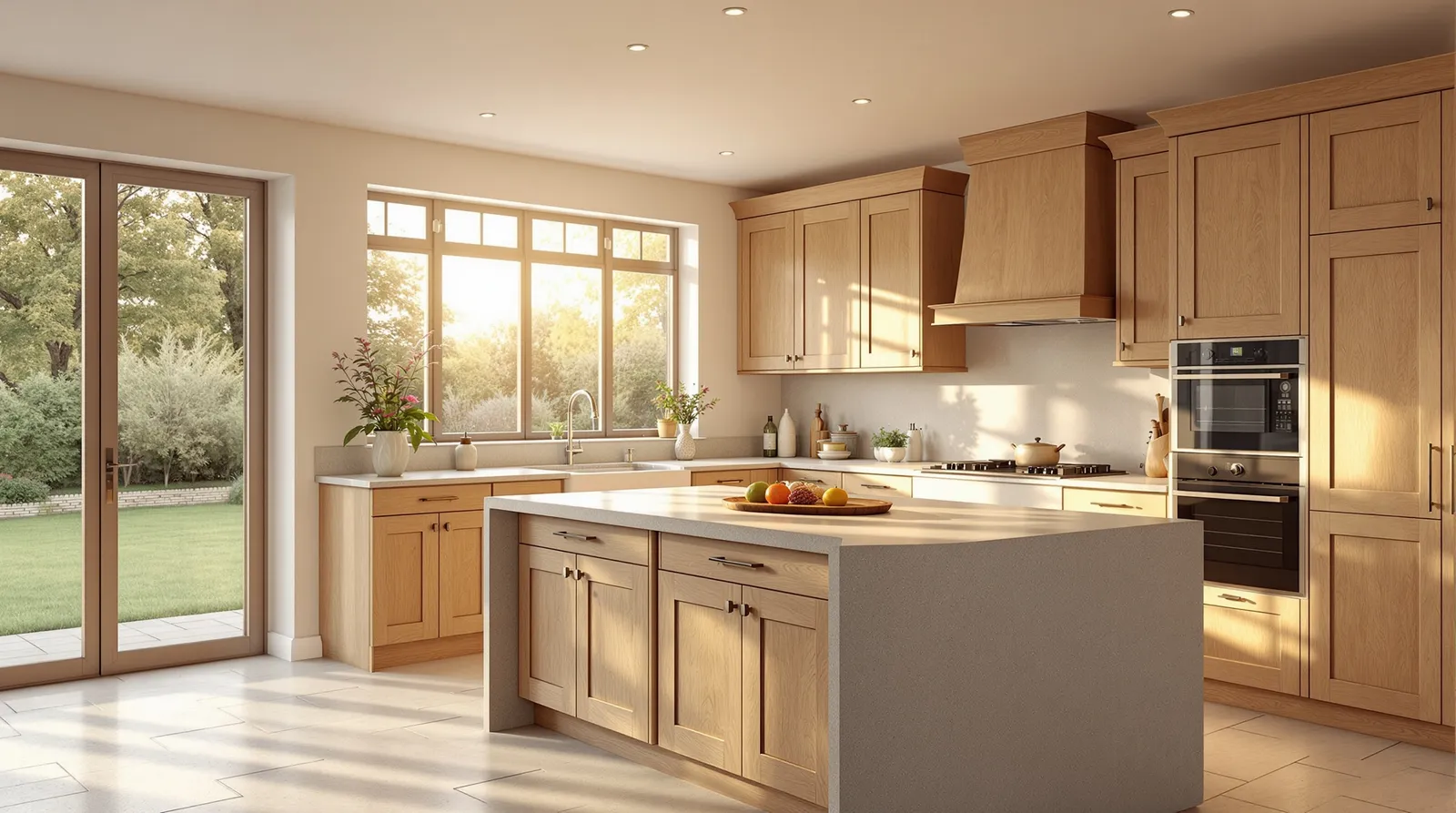
Residential projects — Show living spaces, kitchens, and bedrooms. Clients invariably fixate on interiors over exteriors when it's their own home. A single compelling kitchen render can resolve more decisions in a meeting than hours of floor plan discussion.
Hospitality — Hotel lobbies, restaurant interiors, bar areas. Atmosphere is the product in hospitality, and renders communicate atmosphere better than any other medium.

Workplace — Office environments, collaborative spaces, reception areas. Workplace clients increasingly need to justify design spend to leadership and facilities teams. A render makes that case faster than a drawing.
Retail — Shop fits, showrooms, brand environments. The visual language of a retail space is its identity. Renders let you develop and test that language before construction.
Working Iteratively
Interior renders reward iteration. Generate an initial version, identify what's not working — the light is too flat, the materials feel cold, the proportions are off — and refine. AI editing tools let you make targeted changes: warm the light, swap the floor material, raise the ceiling in the render, add furniture.
This iterative approach typically produces better results than trying to get the perfect render in one shot. Start loose, tighten progressively.
Once your interior renders are ready, the guide to presenting AI renders to clients covers how to use them most effectively at each stage of the project.