
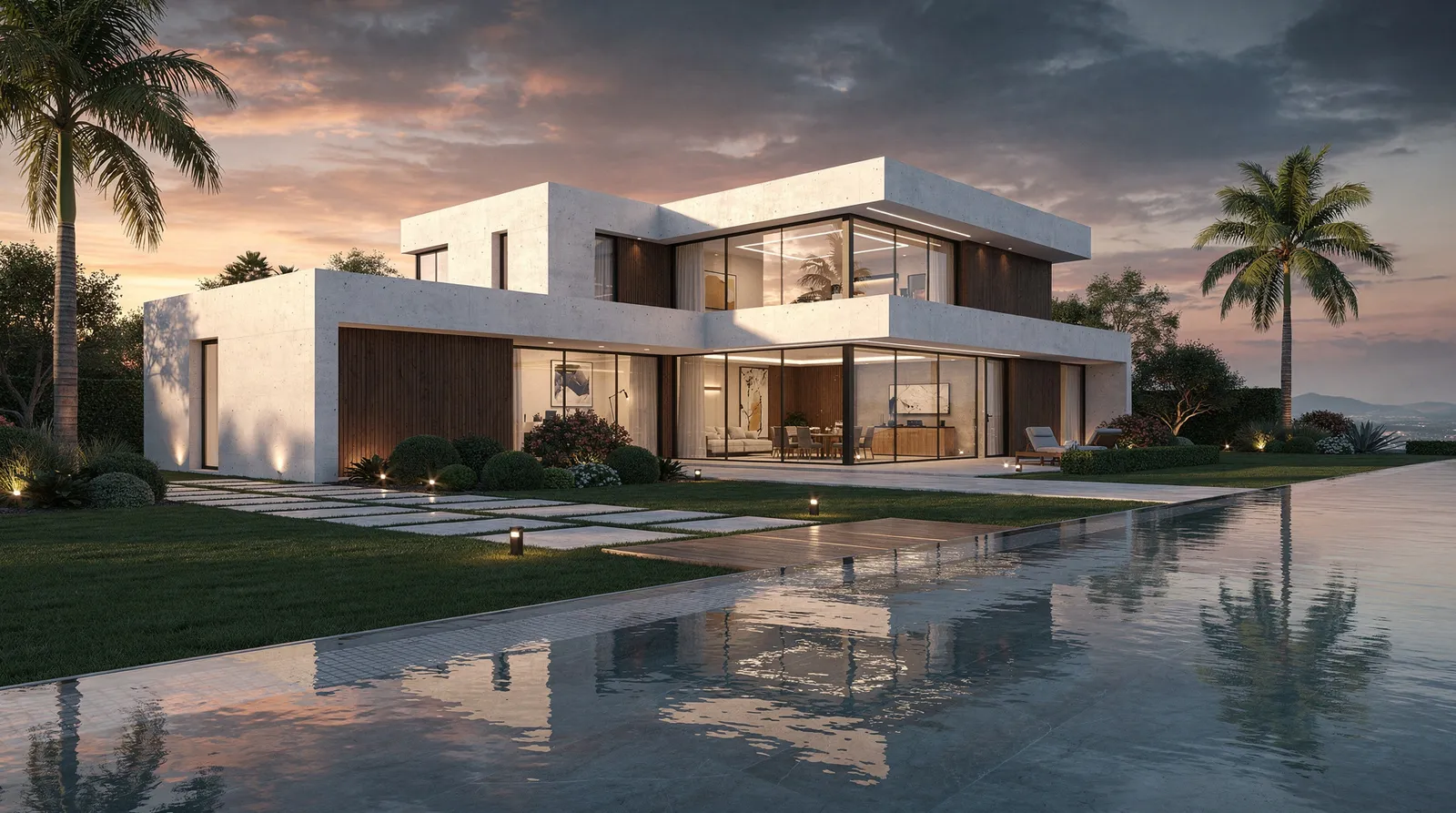
For decades, creating a photorealistic render of an architectural design meant days of work: 3D modelling, material assignment, lighting setup, rendering queues. The results were impressive — but the barrier to entry was high, the turnaround was slow, and only large practices with dedicated visualisation teams could afford to produce them regularly.
That's changing fast.
AI Rendering in Practice
Modern AI rendering models can take a floor plan, a rough sketch, or even a site photo and produce a photorealistic result in under 30 seconds. Not a rough approximation — a fully resolved render showing materials, lighting, surroundings, and atmosphere.
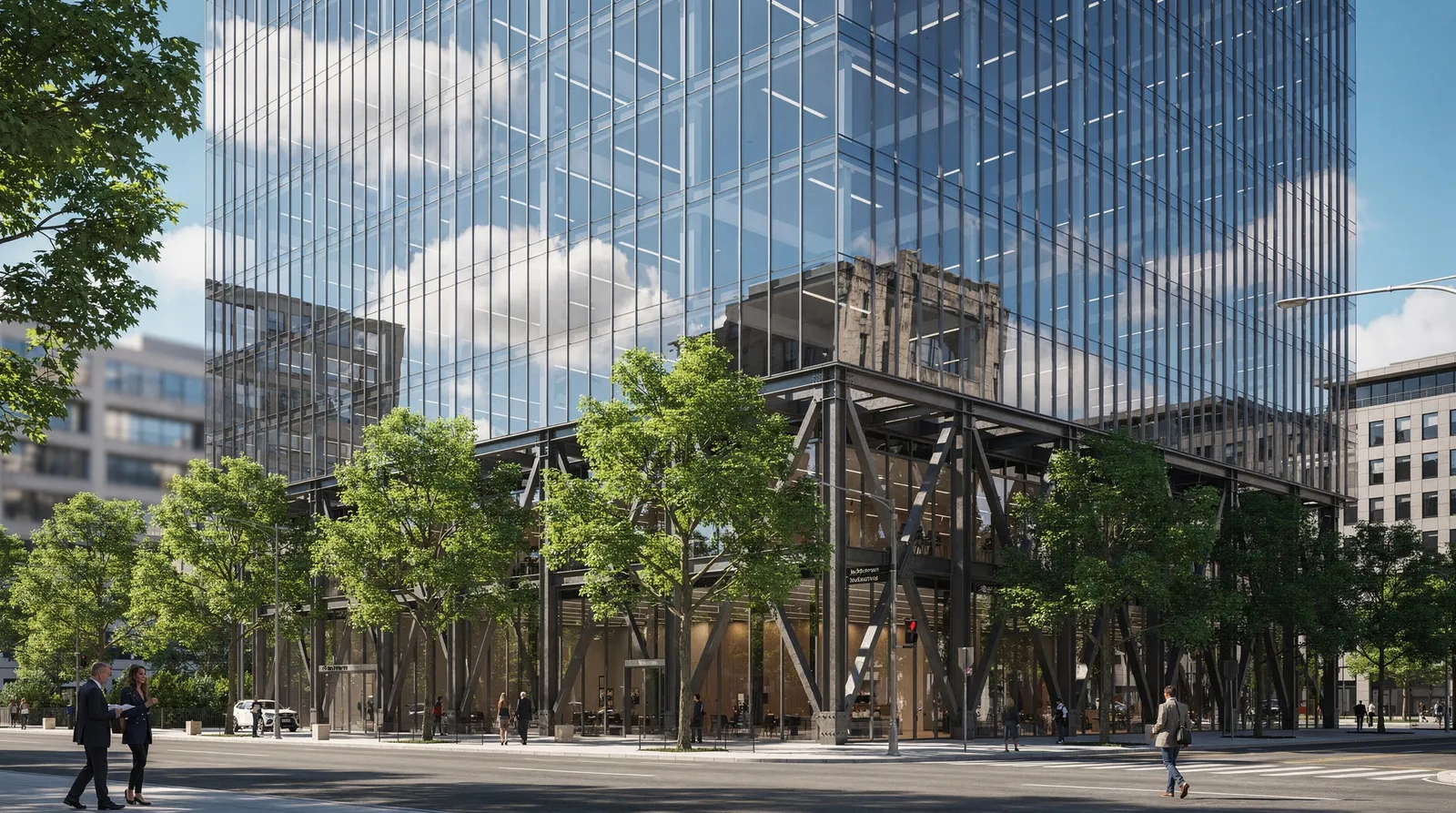
The technology behind this is a new generation of image-to-image AI models. Unlike the text-to-image models that produce generic scenes from written descriptions, these models understand spatial composition. They read the geometry of your drawing, preserve the structural logic of your design, and apply photorealistic materials and lighting on top.
What This Means for Architects
The practical impact is significant:
Speed — What previously took a day now takes minutes. A full set of presentation renders — four elevations, two perspective views, an interior — can be produced in an hour.
Exploration — Because renders are fast and cheap, it becomes practical to explore many more design directions. Try the timber cladding. Try the glass facade. Try the green roof. See them all before committing.
Client communication — Early-stage clients struggle to read architectural drawings. AI renders close that gap immediately. Show a photorealistic image of the first-floor elevation at the first client meeting, not six weeks later.
Iteration — When a client asks for changes, the old workflow meant going back to the 3D model, re-rendering, and waiting. With AI editing tools, targeted changes — swap the facade colour, remove a tree, extend the terrace — take seconds.
The Role of Reference Images
The best AI renders come from a combination of inputs: the floor plan for structure, material reference photos for accuracy, a style reference image for atmosphere, and a brief text description for context. Multi-reference models like Nano Banana Pro and Seedream 5 can process all of these simultaneously — producing renders that are not just photorealistic, but accurate.
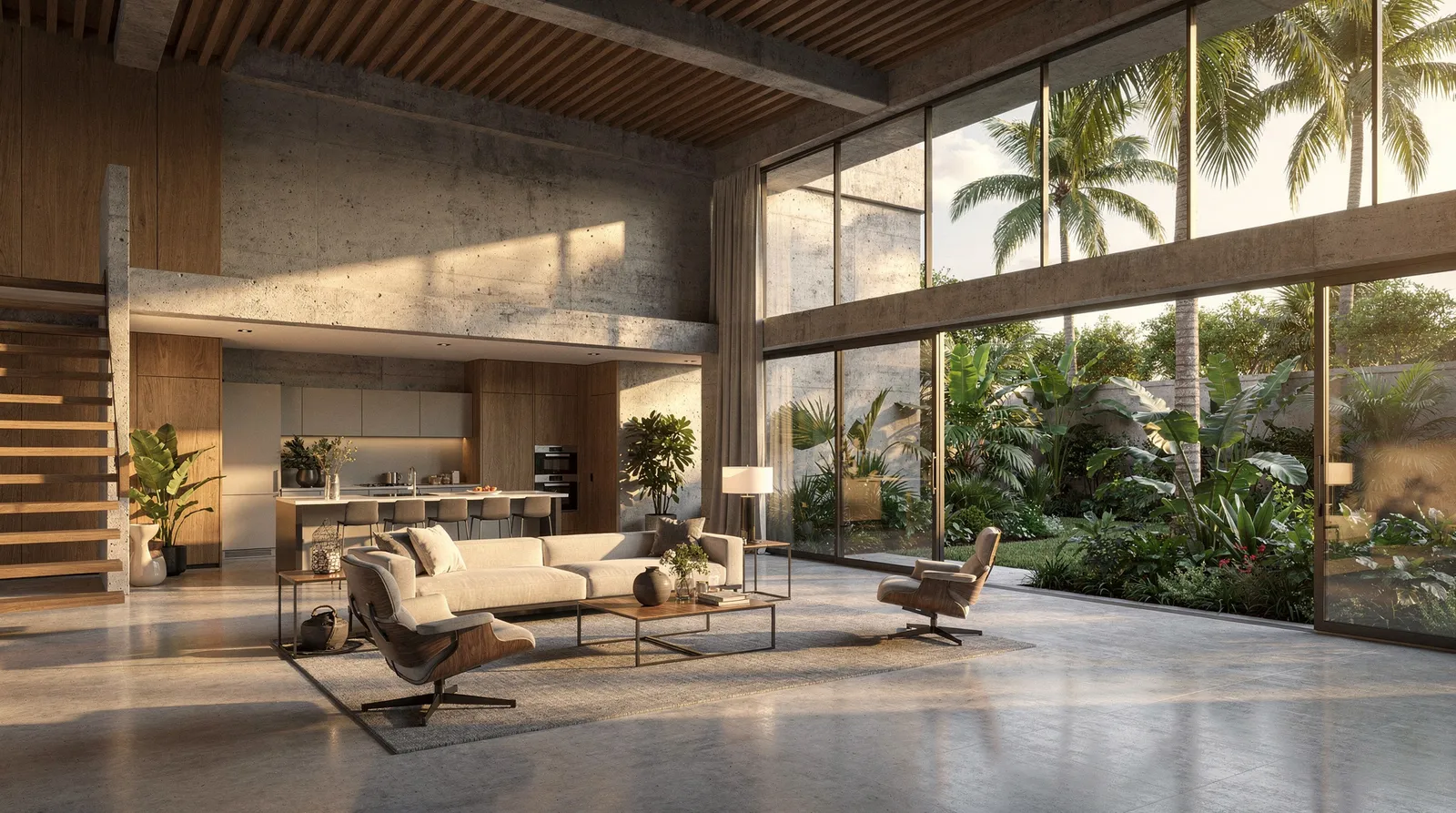
This is a meaningful distinction. Early AI render tools produced beautiful images that bore little resemblance to the actual design. Current-generation models are precise enough that the render you show a client faithfully represents the building you intend to build.
What AI Rendering Doesn't Replace
The design. The spatial thinking. The relationship between programme and site. The experience of walking through a space.
AI rendering accelerates the communication of design — it doesn't produce the design itself. The architect's role becomes more important, not less: the quality of the output depends entirely on the quality of the brief, the precision of the drawings, and the care put into material and reference selection.
Getting Started
Archvisio is built specifically for architects and designers. Upload a floor plan, add material references, choose a style, and generate. No 3D modelling. No software installation. Results in under a minute.
The free trial includes 700 credits — enough for several full render sessions. Start for free →